To reference statistical software in APA 7, put the developer as the author, the release year in parentheses, the software name in sentence case, the version number in parentheses after the name, a bracketed descriptor such as [Computer software], then the publisher or the official URL. You also need one in-text mention, usually in your Methods section.
Most of the arguing students do about this comes down to one thing: they are copying an example from an old guide written for APA 6, where the software title was italicised. APA 7 removed that. Everything else follows fairly cleanly once the version number is in front of you.
Table of Contents
- 1What You Need
- 2Step-by-Step
- 3How to Reference Statistical Software in APA 7
- 4Step 1: Identify the Software and Version
- 5Step 2: Find the Author, Publisher, and Official URL
- 6Step 3: Choose the Correct APA Software Citation
- 7How to Cite R Packages and Python Libraries in APA
- 8Step 4: Add the In-Text Citation
- 9Step 5: Check the Reference List Entry
- 10Common Mistakes
- 11Frequently Asked Questions
- 12Do I need to reference statistical software in APA 7?
- 13How do I cite a specific version of statistical software in APA?
- 14Should I include a URL when referencing SPSS, R, Stata, or SAS?
- 15How do I cite statistical software in the methods section?
- 16What if the software author and publisher are the same company?
- 17Do I need a separate software reference for every test or analysis I run?
- 18Conclusion
What You Need
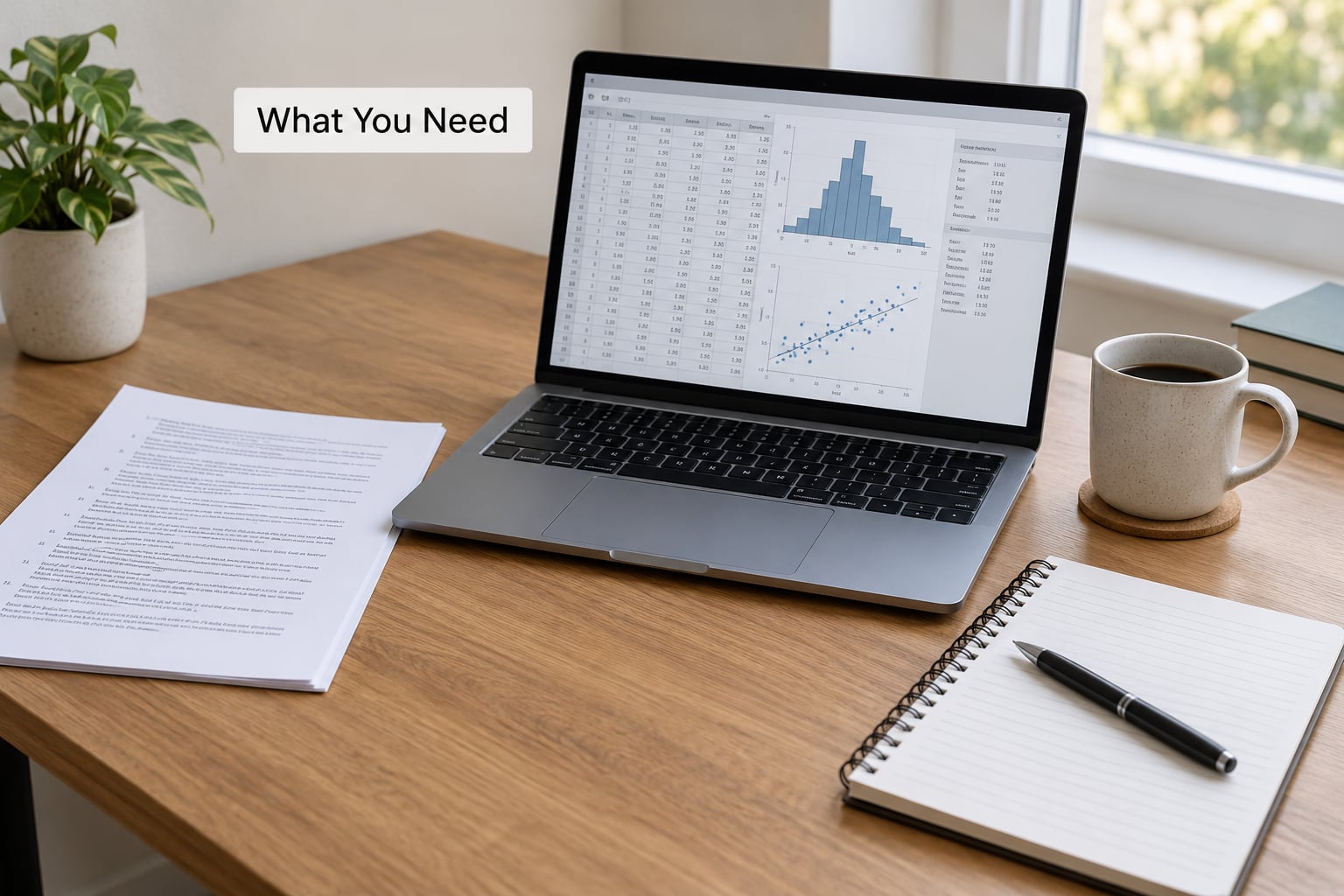
Collect five details before you start typing. Having them on one screen of a notepad saves a lot of back-and-forth to Help menus later.
- The exact program name as the developer writes it, including the number and any word like Statistics, Studio or MP.
- The version or release number, exactly as the program reports it.
- The developer or corporate author, which is not always the same company you bought it from.
- The release year that matches the version you used.
- The official product or documentation URL from the developer’s own site, not a search result or a reseller listing.
If your analysis used an add-on rather than the base program — a package in R, a module in SPSS, a user-written Stata command — write that add-on down too. It gets its own reference entry, and it is the part reviewers most often ask you for.
Step-by-Step
How to Reference Statistical Software in APA 7
A statistical software reference in APA 7 follows one template: Author. (Year). Title of software (Version number) [Computer software]. Publisher. URL. The developer takes the author slot, the version goes in parentheses immediately after the title, the bracketed descriptor names the item type, and the URL comes last without a full stop.
Element by element:
- Author: the organisation that wrote the software. IBM for SPSS, StataCorp for Stata, the R Core Team for R itself, SAS Institute for SAS, Microsoft for Excel.
- Year: the release year of the version used. Not the year you wrote the paper, and not a retrieval date.
- Title: the name of the software in sentence case, with only the first word, proper nouns and the first word after a colon capitalised. No italics in APA 7.
- Version: in parentheses straight after the title, no label, no abbreviation. Write 28.0.1, not v28 or Version 28.
- Descriptor: in square brackets, not parentheses. [Computer software] is the usual one. [Computer program] also appears in older examples.
- Publisher: the company that publishes the software. When the developer publishes it itself, keep the name once and let the URL do the work rather than repeating an identical publisher.
- URL: a live, official page. No period after it, and no retrieval date unless the page changes in ways that matter to your analysis.
These rules come from Sections 10.9 and 10.10 of the Publication Manual of the American Psychological Association, which covers data sets, software and tests separately. Copying the section numbers into your own notes saves you reinventing the logic later.
Step 1: Identify the Software and Version
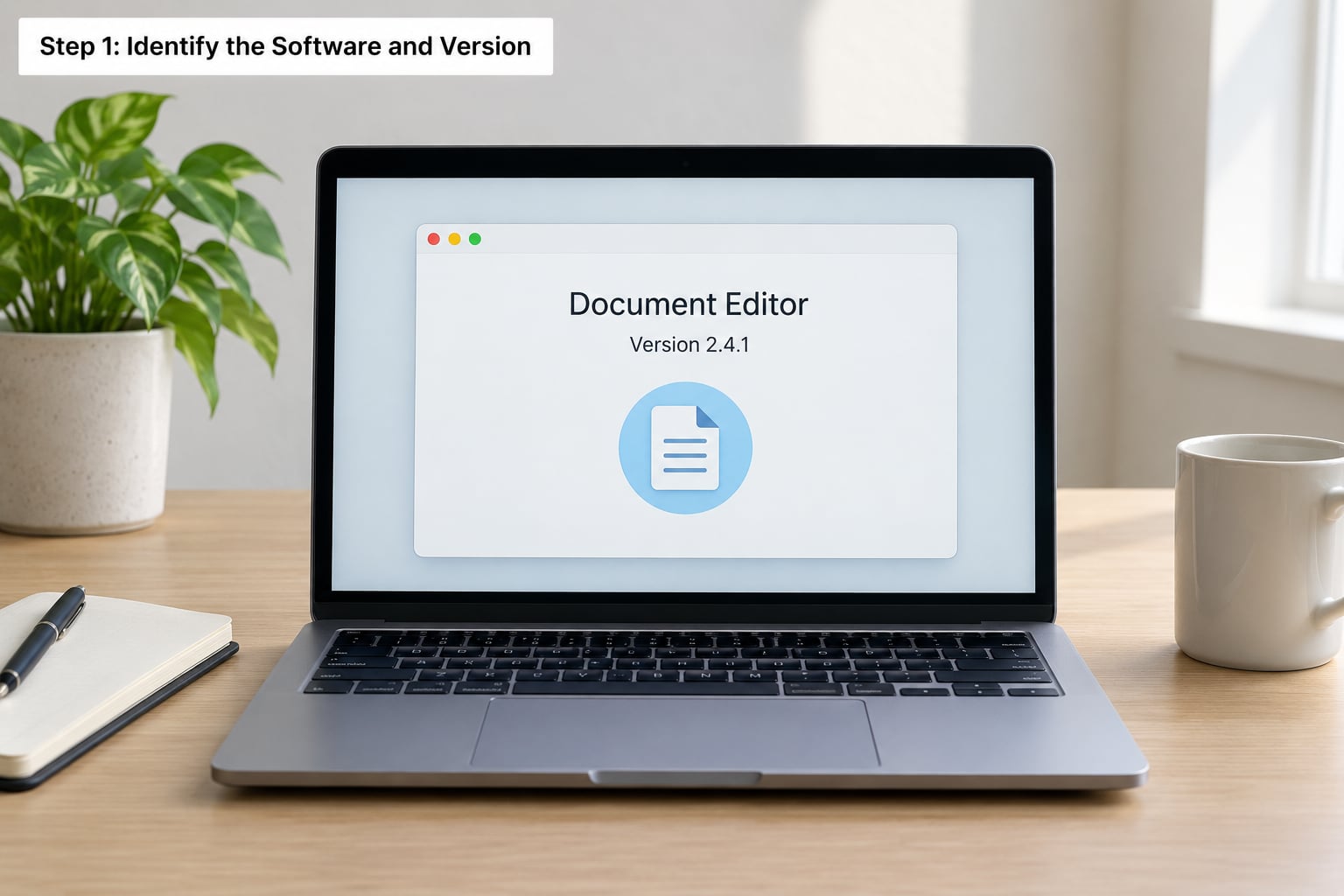
Open the About dialog and write the string down exactly. The paths differ by program, and the version is usually tucked one level deeper than you would guess.
- SPSS: Help > About. The window header gives something like IBM SPSS Statistics 28.0.1. Your output or syntax log repeats the same line at the top, which is handy proof.
- Stata: Help > About Stata, or read the first lines of any do-file log, where Stata prints its edition and version (Stata/MP 18.0, for example).
- R: type
sessionInfo()in the console. RStudio users can also find the R version under Help > About RStudio. For a package,packageVersion("lme4")gives the exact package version. - SAS: Help > About SAS in Enterprise Guide or SAS University Studio. Any log file header lists the release too.
- Excel: File > Account shows the build number for the current year.
- AMOS: Help > About in the AMOS program, and the footer of any AMOS Graphics output repeats it.
Write down the full string, including the point numbers. A version like 28.0.1 and a version like 28 can produce different default behaviour, and a reviewer comparing your numbers against their own needs the precise one.
Step 2: Find the Author, Publisher, and Official URL
The author is the developer, and only occasionally does it differ from the publisher. When you bought Stata from a university licence, the author is still StataCorp LLC. When you used the free distribution of R, the author is the R Core Team and the publisher is the R Foundation for Statistical Computing.
Use a group author when no individual is credited. The R Core Team is the cleanest example: there is no person to name, so the corporate group takes the author slot and the initials are left off.
For the URL, stay on the developer’s own domain. A stable product page or the official documentation page is right; a university download page, a YouTube tutorial or a software catalogue listing is not. If the software is available from a versioned archive or a repository with its own persistent page, that page is the better URL.
Step 3: Choose the Correct APA Software Citation
Here are filled examples you can adapt. Replace the version, year and URL with your own, and keep everything else exactly as written.
IBM SPSS Statistics:
IBM Corp. (2021). IBM SPSS Statistics for Windows (Version 28.0.1) [Computer software]. IBM Corporation. https://www.ibm.com/products/spss-statistics
R itself:
R Core Team. (2021). R: A language and environment for statistical computing [Computer software]. R Foundation for Statistical Computing. https://www.R-project.org/
An R package:
Bates, D., Mächler, M., Bolker, B., & Walker, S. (2015). Fitting linear mixed-effects models using lme4. Journal of Statistical Software, 67(1), 1-48. https://doi.org/10.18637/jss.v067.i01
Stata:
StataCorp. (2023). Stata (Version 18) [Computer software]. StataCorp LLC. https://www.stata.com/
SAS:
SAS Institute Inc. (2022). SAS Enterprise Guide (Version 8.3) [Computer software]. SAS Institute Inc. https://www.sas.com/
Python:
Van Rossum, G., & Drake, F. L. (2009). Python 3 reference manual. Python Software Foundation. https://docs.python.org/3/reference/
Microsoft Excel:
Microsoft. (2023). Microsoft Excel (Version 2201) [Computer software]. Microsoft Corporation. https://www.microsoft.com/microsoft-365/excel
IBM SPSS Amos:
IBM Corp. (2021). IBM SPSS Amos (Version 28.0) [Computer software]. IBM Corporation. https://www.ibm.com/products/structural-equation-modeling-sem
Notice that R is the odd one out. R is a tool, an environment and a language at once, so citing it alone tells a reader nothing about the analysis. The reference for R is usually paired with references to the packages that did the work.
How to Cite R Packages and Python Libraries in APA
This is the most-searched version of the question, and the answer has two branches. If the package has a published paper, cite the paper as you would any journal article, and the paper itself tells readers which version you should name in your Methods text. That is the lme4 example above.
If no paper exists, build the reference from the package documentation: author (or main maintainer), year, package name in sentence case, version in parentheses, [Computer software], then the CRAN or project URL.
Three practical notes. Package names are written in plain roman type, never italics, and never with quotation marks. The version goes in your Methods sentence as (version 1.1-27) rather than inside the reference title. And if you used a dozen packages, cite the ones that carry the method: the mixed-model package, the imputation package, the survey-weighting package.
Python libraries are usually cited by their documentation or their repository, since most are not journal-published. R users in the ecologyinr group have long made this point in practice: with no software entry type in most reference managers, people build these strings by hand. The same applies to Stata user-written commands.
Step 4: Add the In-Text Citation
The reference list entry does not replace the in-text mention. Write one sentence in your Methods or Data Analysis subsection naming the program and its version:
All analyses were conducted in IBM SPSS Statistics (Version 28.0.1).
Or, if you prefer a parenthetical form, name the program earlier in the sentence and put the software name and version in brackets at the end. If the software author and publisher are the same company, you never repeat that company name in the sentence; the program name alone identifies it.
Keep the software sentence separate from the sentence that reports a statistic. You cite the program that produced the results, not the numbers themselves, so F(1, 84) = 6.72 never gets a citation. A single sentence can carry both, but the citation attaches to the software name.
A question that comes up constantly on r/APA is whether the code gets cited too. The short answer is no: syntax files, do-files and R scripts are your own work and belong in a supplement or a repository, not in the reference list. What a reviewer wants to know is which program and version, and where the code lives.
Step 5: Check the Reference List Entry
Run this list before you submit.
- Alphabetical by author, and only one software entry per program, however many times you used it.
- Hanging indent applied to every entry.
- Sentence case for the title, with the descriptor in square brackets after it.
- No italics anywhere in the software entry, and no italics anywhere in an R package name.
- Version in parentheses, full stop before the parenthesis, no space between them.
- No retrieval date. APA 7 only asks for one when the content of a source changes over time and you analysed a specific version of a live resource.
- No full stop after the URL, and a URL that actually resolves.
- An in-text citation that matches the entry exactly, including the version.
Common Mistakes
Italics left over from APA 6. The single most common error. APA 6 italicised the software title; APA 7 does not italicise any part of a software reference. If your example came from a pre-2020 guide, that is why.
Citing the programme’s website as a webpage. A software reference is not a web page reference. There is no site name, no retrieval line and no “last updated” phrasing.
Dropping the version. It goes in parentheses after the title every time, even when the developer never numbers the release.
Using the wrong author. StataCorp LLC is the author of Stata. The R Core Team is the author of R. A reseller or your institution’s IT department is not.
Adding a retrieval date. Nothing about a versioned software release needs one.
Mismatching the in-text citation and the reference. If the Methods says version 18 and the reference says 17, a careful reader will catch it.
Confusing software with a manual or an output. The manual is a book and gets a book reference. The output is a result and gets reported in your Results section, not cited.
Citing Excel or Word. Spreadsheet and word-processing programs used for ordinary preparation rarely need a reference. Where they produced the data set, or where the analysis itself happened in the sheet, cite them. Many university guides list these programs as not needing a reference at all, so check your department’s rules before adding one.
Two habits catch the rest. Read your software entries out loud against the reference list once, slowly, checking the year and the version aloud rather than by eye. And check what your department adds on top of APA, because thesis offices frequently impose their own reference format regardless of what the manual says.
Frequently Asked Questions
Do I need to reference statistical software in APA 7?
Usually yes, if the software produced or analysed your data. Name the program and its version in your Methods section and add one reference-list entry for it. The common exception is everyday productivity software used only for preparation, such as a word processor or a spreadsheet that stored already-collected data. Several university guides list those programs as not needing a reference, so follow your department’s rules when in doubt.
How do I cite a specific version of statistical software in APA?
Put the version in parentheses immediately after the software title, with no label and no abbreviation, then repeat the version in your Methods sentence. Find it through the program’s About dialog or by running sessionInfo() in R. Write the full string, including point numbers such as 28.0.1, because point releases can change default behaviour and a reviewer checking your numbers needs the precise one.
Should I include a URL when referencing SPSS, R, Stata, or SAS?
Include one, taken from the developer’s own domain. A stable product page or the official documentation page is a good choice. Avoid university download pages, tutorial sites and software catalogue listings. Do not add a full stop after the URL, and do not add a retrieval date, because a numbered software release does not change the way a live resource changes.
How do I cite statistical software in the methods section?
Write one sentence naming the program and its version, usually in the Data Analysis subsection. A typical line reads: All analyses were conducted in IBM SPSS Statistics (Version 28.0.1). You do not repeat the developer or publisher name in the sentence, and you do not cite individual statistics, because the citation attaches to the software name rather than to the numbers in your Results section.
What if the software author and publisher are the same company?
Keep the developer in the author position and let the official URL stand in place of a repeated publisher name, rather than printing the same company twice. Examples such as SAS Institute Inc. and IBM Corp. usually list the company once, with the URL ending the entry. If your department’s style guide insists on a publisher line even when it duplicates the author, follow the department, and check the answer key your markers actually use.
Do I need a separate software reference for every test or analysis I run?
No. One entry covers the program no matter how many tests you ran with it. The exception is add-ons: each R package or Stata user-written command that carries the method gets its own reference, usually the journal article it was published in. Cite the packages doing the statistical work rather than listing every routine you touched, and keep your own syntax files out of the reference list entirely.
Conclusion
Before you write anything else, open the About dialog of every program you used and write down the exact name, version, developer and official URL. Once those four details sit in one place, picking the matching template from Step 3 takes under a minute, and the in-text sentence in your Methods section is two lines of work.