How to Check Normality of Data in SPSS (2026): Easy Steps
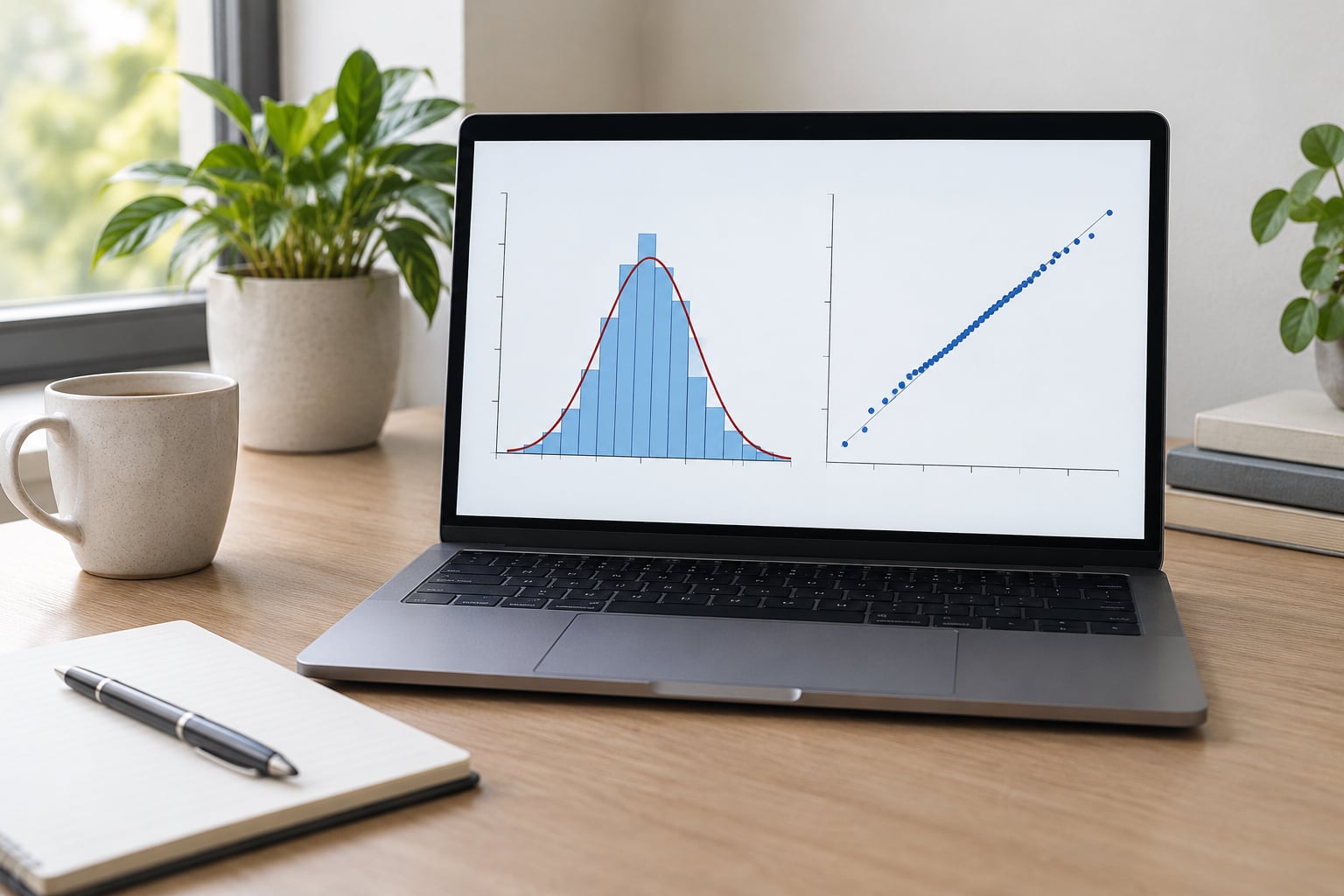
To check normality of data in SPSS, open Explore from Analyze > Descriptive Statistics > Explore, move your variable into the Dependent List, then … Read more

To check normality of data in SPSS, open Explore from Analyze > Descriptive Statistics > Explore, move your variable into the Dependent List, then … Read more

To calculate Cronbach Alpha in SPSS, open Analyze > Scale > Reliability Analysis, move every item for a single construct into the Items box, … Read more

To run a chi square test of independence in SPSS, go to Analyze > Descriptive Statistics > Crosstabs, move your first categorical variable into … Read more

A one-way ANOVA in SPSS produces four output tables, and you read them in a fixed order: Descriptive Statistics, Test of Homogeneity of Variances, … Read more
Most SPSS errors come down to four things: a typo in syntax, a variable that is not the type you think it is, a … Read more
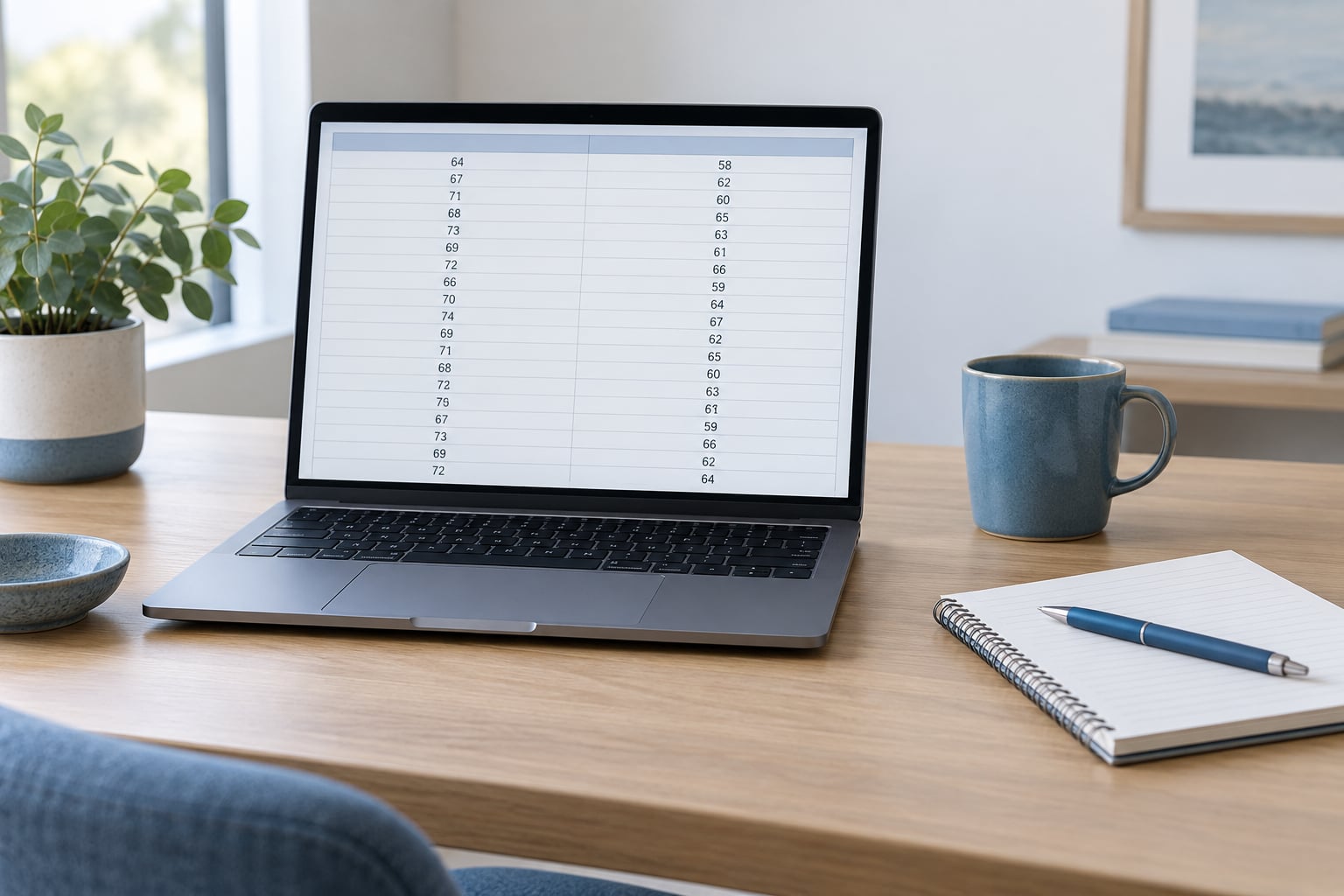
To run an independent samples t test in SPSS, go to Analyze > Compare Means > Independent-Samples T Test, move your numeric outcome variable … Read more

How to save and reuse SPSS output tables comes down to two files: the .spv that keeps every table live in the Output Viewer, … Read more

To run analysis on a subset of cases in SPSS, open Data > Select Cases, choose If condition is satisfied, and type a rule … Read more

To learn how to use SPSS syntax instead of menus, you do not start by memorizing commands. You build the analysis once in the … Read more

Weighting survey data in SPSS takes about five minutes once the weight variable exists. You point SPSS at that variable through Data > Weight … Read more
Practical guides to statistics, surveys and research data
Read the latest guides