
You attach text to your data in Stata with the label command and one of three subcommands: label variable for the description attached to a variable, label define plus label values for the text attached to numeric codes, and label data for the dataset as a whole. This guide walks through how to label variables in Stata from the first inspection to a saved, readable codebook, including loops that label twenty variables in three lines.
Labels are worth ten minutes of work. Without them, describe prints a wall of q14_1 q14_2 q14_3 and every table you export has bare column headers.
Table of Contents
- 1What You Need
- 2Step-by-Step: How to Label Variables in Stata
- 3Step 1: Inspect the Variables You Want to Label
- 4Step 2: Add Variable Labels
- 5Step 3: Label Categorical Values
- 6Step 4: Edit or Remove Incorrect Labels
- 7Step 5: Check and Save the Dataset
- 8Common Variable Labeling Mistakes
- 9Tips for Clear and Consistent Stata Labels
- 10Frequently Asked Questions
- 11What is the difference between a variable name and a variable label in Stata?
- 12How do I label multiple variables at the same time in Stata?
- 13How do I add labels to numeric codes such as 0 and 1?
- 14Why are my Stata value labels not showing in the dataset?
- 15Can variable labels contain spaces and special characters?
- 16How do I remove or change a variable label after creating it?
- 17Conclusion
What You Need
You need a dataset open in memory (or on disk and loaded), a written definition for each variable you plan to label, and one clear sentence about what each numeric code means. That last part is where students get stuck, so write the code list down before opening Stata.
Three terms get mixed up constantly, and keeping them apart prevents most beginner errors:
| Label type | Command | What it attaches text to | You see it in |
|---|---|---|---|
| Variable label | label variable | One variable, as a plain description | describe, codebooks, table headers |
| Value label | label define then label values | A named lookup table mapping codes such as 0 and 1 to text | Data Editor, tabulations, graph legends |
| Dataset label | label data | The whole file | The header of describe output |
A variable label answers what does this column measure? A value label answers what does the number 2 mean? They are different objects and neither creates the other.
Step-by-Step: How to Label Variables in Stata
Step 1: Inspect the Variables You Want to Label
Look before you type. describe gives you names, types and any labels already present, and describe, fullnames adds storage types.
describe
label dir
label list
label dir lists every value label set stored in the file, and label list prints every code-to-text pair inside them. codebook gender goes deeper on one variable and shows the label set already attached to it.
codebook gender

Variable      Obs Unique  Mean   Min   Max  Label
-----------------------------------------------------------------
gender        50,000      2   0.48     0     1  Gender of respondent
 label def  yesno
  1  Yes, 0  No
If describe already shows a label column, someone has done part of this work before. Fix the wrong ones rather than starting over.
Step 2: Add Variable Labels
Use label variable (abbreviated label var or lab var) followed by the variable name and the text in double quotes.
label variable gender  "Gender of respondent"
label variable age     "Respondent age in years"
label variable income  "Annual household income in USD"
label variable q14_1   "Skills and majors used in the past 12 months"
Verify straight away with describe:
describe

Contains  50,000 obs in   4 vars
 size:    200,000 bytes

|-------+---------+-------------------------------------+------------------------------- variable label
| gender |   byte  |                                     | Gender of respondent            |
| age    |    int  |                                     | Respondent age in years         |
| income |   long  |                                     | Annual household income in USD  |
| q14_1  |   byte  |                                     | Skills and majors used in the p |
+-------+---------+-------------------------------------+------------------------------- variable label
To change a label later, run the same command again with the new text. Stata replaces the old one rather than appending.
Step 3: Label Categorical Values
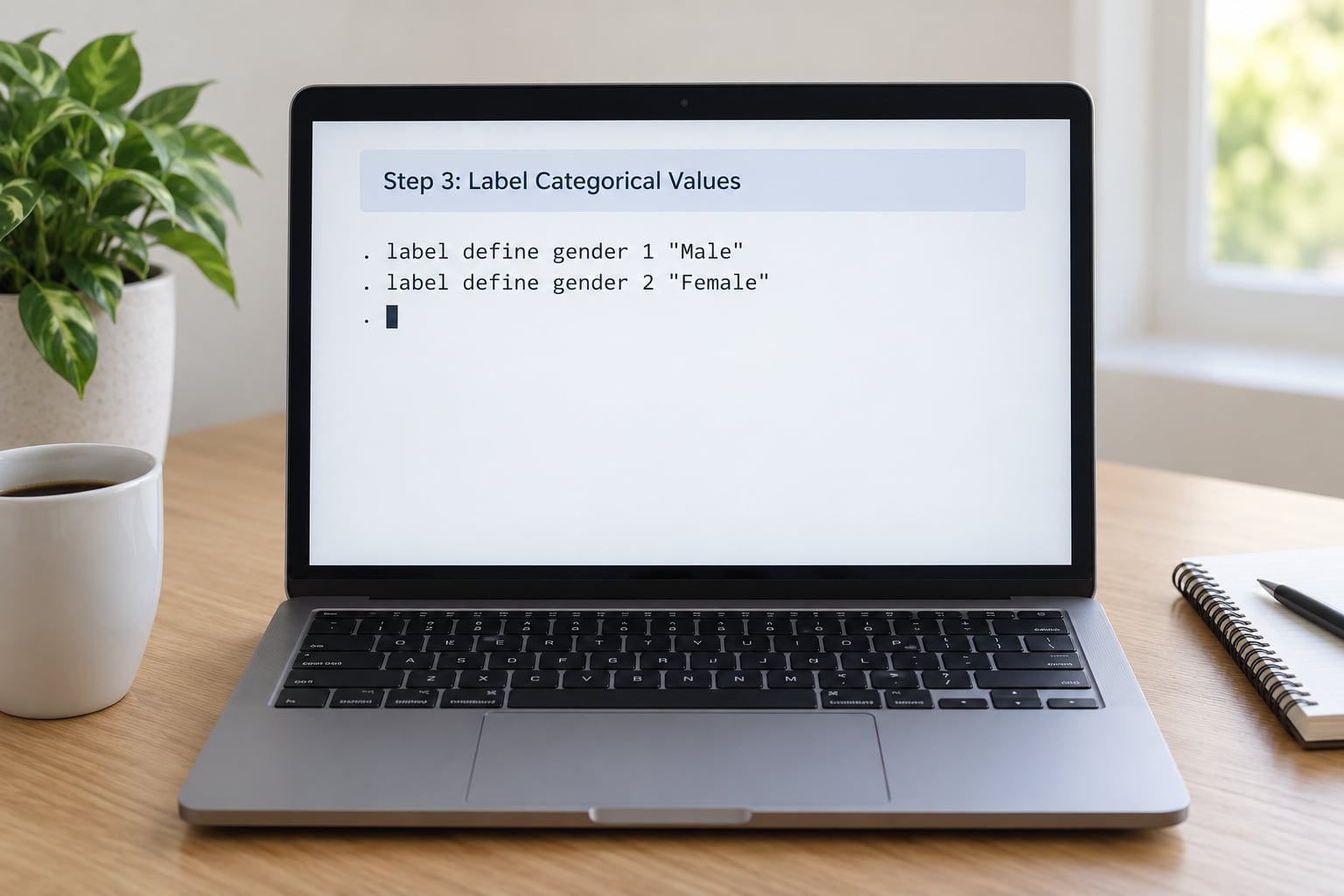
A value label takes two steps: define the lookup table once with label define, then attach that table to a variable with label values.
label define yesno 0 "No" 1 "Yes"
label values gender yesno
The same set can serve many variables, which is what makes it worth defining properly:
label define sat 1 "Very dissatisfied" 2 "Dissatisfied" ///
                  3 "Neutral" 4 "Satisfied" 5 "Very satisfied"

label values satisfaction sat
label values recommend sat
Both abbreviations work: label define can be typed lab def, and label values as lab val. Confirm the result with tab gender, which counts each category using its text.
If you need to change what a code means later, redefine the mapping rather than stacking new text on top of it.
Step 4: Edit or Remove Incorrect Labels
Overwriting is the same command with new text. Clearing a variable label takes an empty quoted string, and detaching a value label takes a period.
* replace the text
label variable income "Annual household income, US dollars"

* clear the variable label entirely
label variable income ""

* detach the value label set, keep the codes
label values gender .

* drop a value label set once nothing uses it
label drop yesno
label drop _all removes every value label set in the file, so check label dir first. And remember that a variable name is not a variable label. rename income inc_usd changes the name; label var changes the description. Doing neither leaves your file confusing.
Step 5: Check and Save the Dataset
Review what you built, then save. Labels live inside the .dta file, so an unsaved dataset loses every label you just wrote.
describe
label dir
codebook gender satisfaction, compact
save "survey_labeled.dta", replace
Keep the labelling commands in a do-file rather than typing them into the command window. This is the whole workflow end to end, ready to paste:
*--------------------------------------------------
* label script: run after loading the raw dataset
*--------------------------------------------------
label data "Workplace survey, cleaned"

label variable gender  "Gender of respondent"
label variable age     "Respondent age in years"
label variable income  "Annual household income in USD"

label define yesno 0 "No" 1 "Yes"
label values gender yesno

label define sat 1 "Very dissatisfied" 2 "Dissatisfied" ///
                  3 "Neutral" 4 "Satisfied" 5 "Very satisfied"
label values satisfaction sat

forvalues j = 1/3 {
    label var q14_`j' "Skills and majors item `j'"
}

describe
save "survey_labeled.dta", replace
The loop is the part most tutorials skip. Repeated items such as q14_1 through q14_20 can be labelled without twenty separate commands:
forvalues j = 1/20 {
    label var q14_`j' "Confidence rating, item `j' of 20"
}

foreach v of varlist w1_* {
    label var `v' "`v' as measured in wave 1"
}
That loop is the fastest fix for the “typing label var over and over” complaint that shows up again and again, and it costs three lines instead of a page of commands.
Common Variable Labeling Mistakes
Running label var and expecting codes to change into words. Variable labels never alter data. If tab gender still shows 0 and 1, you need label define and label values.
Getting r(111) variable not found. Usually a typo, a stale copy of the data, or a renamed variable. Run describe and copy the name from the output rather than typing it from memory. Case matters: Stata variable names are case sensitive.
Forgetting the double quotes, or using smart quotes. Text needs straight double quotes. A word processor can silently convert them, and Stata then reads your label as a variable name.
Writing labels longer than the limit. Variable labels hold 80 characters and are cut off beyond that, with no warning. The column in the output above ended mid-word for exactly this reason.
Not saving, then reloading the raw file. Everything is lost. Save the .dta, and keep the commands in the do-file so the labelling is reproducible.
Expecting labels in an Excel export. export excel writes variable names in the header row, not labels. Write a header row of your own if the recipient needs them, or use putdocx, which does pick up labels.
Losing labels through reshape, merge or append. Variable labels usually survive reshape long and are copied onto the new variables, but the wide variables created by reshape wide often end up bare. After any of the three operations, run describe and check rather than assuming.
Tips for Clear and Consistent Stata Labels
Keep variable labels under about 40 characters even though 80 are allowed. Long ones make describe unreadable, and Stata also caps the label column by default.
Start with the measure, not the question wording. “Annual household income in USD” is clearer than “Q7: What is your total income before taxes?”
Use the same category list across related questions. If satisfaction runs 1 to 5 everywhere, define one sat set and attach it to every satisfaction variable.
Write yes/no variables as 0 and 1 and label them once. Mixed coding, where one question uses 1/2 and another uses 1/9, is the source of most recoding later.
Name value label sets after the question, not the numbers: q14_skills reads better in label dir than lbl1.
Run the label script before any reshape, merge or append, and run it inside the do-file every time the raw data is rebuilt. Labels are metadata, so the honest version regenerates them rather than trusting a saved copy.
If you want a spreadsheet route instead of commands, open the Data Editor, click a column header, and edit the Label field and Value label field in the Properties window. Same stored result, more clicks.
Third-party commands exist for bulk labelling, including elabel from the Stata Journal, installed with ssc install elabel. They are user-written add-ons, not part of Stata, and the built-in loops above cover most cases without the dependency.
Frequently Asked Questions
What is the difference between a variable name and a variable label in Stata?
A variable name is the short machine name Stata uses in commands, limited to 32 characters and shown in the Data Editor header. A variable label is a plain-text description up to 80 characters that you attach with label variable and which appears in describe output, codebooks and table headers. The name identifies the variable; the label tells a reader what it measures.
How do I label multiple variables at the same time in Stata?
Label variables one at a time with repeated label variable commands, which is fine for a handful. For a family like q14_1 to q14_20, use a forvalues loop with backtick interpolation: forvalues j = 1/20 { label var q14_`j’ “Confidence rating item `j’” }. A foreach loop over varlist does the same for names sharing a prefix.
How do I add labels to numeric codes such as 0 and 1?
That is a value label, not a variable label. Define the mapping once with label define yesno 0 “No” 1 “Yes”, then attach it to the variable with label values gender yesno. The same set can be attached to as many variables as you need, and tab will then count categories using the text.
Why are my Stata value labels not showing in the dataset?
Three usual causes. You defined the label set but never attached it with label values, which is the most common one. You attached a different label set name than the one you defined, so label dir shows a name you never referenced. Or you labelled a string variable, which only takes a variable label. Run label dir, then label values on the variable to reattach.
Can variable labels contain spaces and special characters?
Spaces are fine and are the point of a label, but the text must sit inside straight double quotes. Smart quotes typed in a word processor break the command. Variable labels hold up to 80 characters and value label names up to 32. Modern Stata versions handle Unicode in labels, though plain ASCII is the safer habit in shared do-files.
How do I remove or change a variable label after creating it?
Change it by running label variable again with the new text, which replaces the old label rather than adding another. To clear a variable label, pass an empty string: label variable income “”. To detach a value label set while keeping the numeric codes, run label values income .
Conclusion
Start by running describe and label dir so you know what already exists. Add one variable label with label variable, define your codes once with label define and attach them with label values, check the result with describe or codebook, then save the .dta and keep those commands in your do-file.
Once you know how to label variables in Stata this way, the habit pays off every time you open the file, hand it to a co-author, or build a table that finally has readable column headers.