Transcribing interviews for research means turning your recordings into an accurate, labelled, written record that keeps participants’ own words intact so you can code, quote and audit them later. Most researchers get it wrong in the same two places: they clean up speech until it stops sounding like a person, and they trust an automatic draft without checking it against the audio.
Fix those and the rest is a workflow. A one-hour interview typically takes four to six hours to transcribe by hand, or roughly one hour to review once speech-to-text software has produced a draft. Both numbers are stable enough to plan a dissertation around.
Below is the process I would hand a student in week one of fieldwork: what to gather, how to pick a method, how to mark what you cannot hear, and how to keep the file usable for thematic analysis after the interview is long forgotten.
Table of Contents
- 1What You Need
- 2Step-by-Step
- 31. Prepare the Recording and Research Materials
- 42. Choose a Transcription Method
- 53. Transcribe Verbatim or as a Cleaned Transcript
- 64. Label Speakers and Mark Unclear Content
- 75. Edit for Consistency Without Changing Meaning
- 86. Check Accuracy and Research Ethics
- 97. Save and Organize the Final Transcript
- 10Common Mistakes
- 11Frequently Asked Questions
- 12Should I transcribe interview recordings verbatim?
- 13What software is best for transcribing research interviews?
- 14How long does it take to transcribe one interview?
- 15Do I include pauses, filler words, and nonverbal behavior?
- 16How do I transcribe an inaudible or unclear section?
- 17How should I anonymize interview transcripts for research?
What You Need
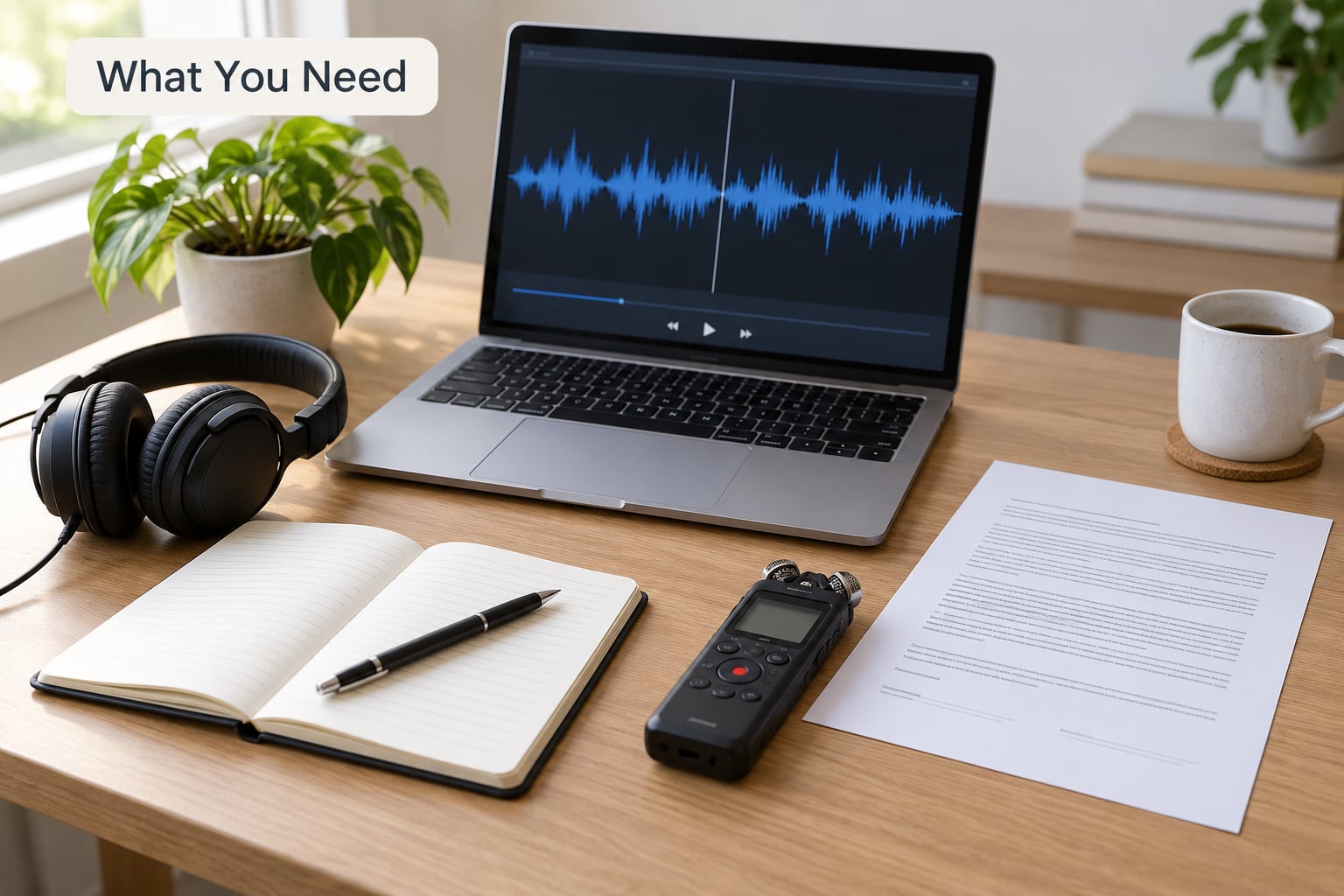
Start with the recording itself, and check it before anything else. Play the first two minutes and the last two minutes at full volume on headphones, not laptop speakers.
Then gather the rest:
- The audio files, backed up twice, in a lossless format such as WAV or FLAC if your recorder offers it. Compressed files lose the quiet consonants that make transcription slow.
- The consent form and your ethics approval, both to hand. You need to know exactly what participants agreed to, including whether machine transcription and third-party services were mentioned.
- A transcription setup: either a word processor with a working keyboard and headphones, or speech-to-text software. Both are legitimate.
- Reference materials: your interview guide, participant list with pseudonyms already assigned, and a jargon list. Local acronyms, service names and clinical terms are where automatic transcripts fail hardest.
- A naming convention, decided now rather than at filing time. Something like
P03_interview_v1_2026-04-12saves an afternoon later.
Step-by-Step
1. Prepare the Recording and Research Materials
Listen for problems before you commit hours. Background hum, overlapping speakers and a soft recorder turn a one-hour interview into a six-hour job, and no amount of careful typing fixes that.
Build a custom vocabulary list in your transcription software from the names, places and terms your participants use. Two minutes of list building routinely removes a dozen recurring errors per hour of audio. Then re-check your interview guide so you know which questions came out where, which makes finding a passage ten times faster.
2. Choose a Transcription Method
There are three realistic options, and picking wrong is expensive in time.
Manual transcription means you listen and type. Accuracy is excellent, especially with accents and jargon, and you catch tone and hesitation as they happen. Researchers on forums like r/PhD and ResearchGate still describe it as the gold standard for sensitive or complicated material. The cost is hours per hour of audio.
Automatic speech-to-text generates a first draft in minutes. It handles clear single-speaker recording well and struggles with overlapping voices, background noise, technical vocabulary and heavy accents. In r/UXResearch, researchers describe Google Docs voice typing as free and surprisingly accurate if you are willing to fix errors afterward.
Hybrid is the default I would teach: let software produce the draft, then listen through and correct it. You get most of the speed with human judgement where judgement actually matters.
A paid human service is a fourth path, worth it for interviews with several speakers or sensitive clinical content.
3. Transcribe Verbatim or as a Cleaned Transcript
Decide this before you type a word, and write the choice into your methods section.
Verbatim keeps everything: filler words, repetitions, false starts, pauses and nonverbal notes such as [laughs] or [long pause]. It is the safest default for qualitative analysis because hesitation and repair often carry the meaning.
Clean verbatim removes fillers and repairs while keeping the participant’s words and sentence structure. It reads better in a thesis appendix and is still faithful.
Intelligent or edited verbatim tightens grammar and reorders for readability. It is a genuine risk, because it edits the data itself, and it usually needs justification or supervisor sign-off.
My rule: keep a verbatim master file and produce a cleaned reading copy if you need one. Never delete the master.
4. Label Speakers and Mark Unclear Content
Use a stable label system from the first line. Pseudonymous labels work best: Interviewer, P03, P04. Renaming speakers halfway through makes coding painful.
For focus groups and multi-participant sessions, diarization (the software’s attempt to work out who is talking) is a starting point, not an answer. Overlapping speech and turn-taking in a group of six will be wrong somewhere, and you must listen to fix it.
Mark what you cannot decode rather than guessing. Write [inaudible] for a gap and [unclear: probably “retention rate”] when you have a strong but uncertain read. Guessing silently is the single worst habit in qualitative work, because a wrong word becomes a coded theme three weeks later.
Add timestamps at sensible breaks: every topic shift, every question, and at least every few minutes in long passages. They let you return to the recording instead of re-listening to forty minutes.
5. Edit for Consistency Without Changing Meaning
Editing for research is not copywriting. You are fixing mechanical errors, not rewriting people.
Safe edits: punctuation that lets the reader parse the sentence, consistent capitalisation of participant names and terms, removing an accidental duplicated word caused by a mis-heard phrase, and standardising how you mark nonverbal behaviour. Tidy formatting makes a transcript far easier to code, and coding accuracy is what improves.
Unsafe edits: adding words the participant did not say, tidying dialect into standard grammar, resolving an ambiguity that is analytically interesting, or summarising. If a participant says “it was like, you know, the worst, honestly,” that stutter is data, not a flaw.
6. Check Accuracy and Research Ethics
Verification is where quality gets decided. Play the finished transcript against the audio, ideally at faster playback with headphones, and check the passages that matter most: the direct quotes you expect to use, anything where a speaker was unclear, and any stretch where two people overlapped.
If you used machine transcription, treat the draft as unverified until this pass is done. Record which method produced each transcript; reviewers and examiners ask.
Ethics is not a formality here. Confirm that your consent form and approval cover recording and transcription, and whether they name a transcriber or allow third-party services. On research forums, researchers stall at exactly this point, unsure whether “the research team” covers machine or vendor transcription, and the answer is always to check the approved wording with your ethics committee rather than to assume.
Before any transcript leaves your institution, anonymise it: swap real names for pseudonyms, remove employer names, locations, dates of birth and distinctive events that would identify a participant, and check that your pseudonyms do not hint at identity. Keep the key that links pseudonym to person separate from the transcript file, encrypted and accessible only to named project members.
Sensitive or identifiable audio should only go to a cloud tool if your data protection rules permit it. Institutional agreements, GDPR and HIPAA obligations all differ, so check your data management plan rather than trusting a vendor’s privacy page.
7. Save and Organize the Final Transcript
Export as plain text or Word, not as an audio-player format, and keep one master plus a working copy. Add a header block with participant pseudonym, date, duration, method used, transcription style and who did the work.
Think about the analysis handoff now rather than after coding. A transcript that is one paragraph per speaker with timestamps and clear line breaks drops into NVivo, Atlas.ti, MAXQDA or even a spreadsheet far more easily than one packed into continuous prose. If a second coder will work on the same data, send both of them identical formatting, because inter-coder reliability drops fast when the transcripts differ in style.
Then write your retention schedule into the data management plan: who can access the audio, who can access the transcript, where both live, and when they get deleted. Most ethics approvals require this in advance, not at submission.
Common Mistakes
Guessing at unclear words. Write [inaudible] or [unclear]. A guessed word becomes a fabricated quote eventually.
Inconsistent speaker labels. The same person is P03 in one section and Participant 3 in the next. Pick one convention in the header and never deviate.
Over-editing. If you removed fillers, deleted repetitions and fixed grammar without saying so in your methods, your transcript is no longer what your participant said.
Trusting an automatic draft. Errors cluster in names, jargon and overlapping speech, which is exactly the material carrying analytical weight. Always listen through.
Throwing away nonverbal detail. Laughter, silence and hesitation often mark the sensitive part of an interview. Note them in brackets.
No file discipline. Files named final_FINAL2 will defeat you at month eight. Use date and version numbers, keep a log of transcription decisions, and back up to a second location.
Confidentiality drift. A real name in a filename or a document header travels further than the transcript does. Check headers and filenames before sharing.
Frequently Asked Questions
Should I transcribe interview recordings verbatim?
For most qualitative analysis, yes, keep a verbatim master with fillers, pauses and nonverbal notes intact, because hesitation and repair often carry the meaning you are coding. If readability matters for a thesis appendix, produce a cleaned copy from that master rather than editing the original. Whatever you choose, state the style and why in your methods section.
What software is best for transcribing research interviews?
It depends on the constraint rather than the brand. Clear single-speaker recordings suit any speech-to-text tool plus a careful review pass. Focus groups, overlapping speakers, heavy accents or clinical jargon need either a custom vocabulary list, a tool with strong diarization, or a human transcriber. Budget, participant sensitivity and your data protection rules should narrow the choice before features do.
How long does it take to transcribe one interview?
Plan on four to six hours of manual transcription for one hour of clear, single-speaker audio. That figure is consistent across methodology literature and vendor guidance, and it stretches considerably with accents, crosstalk and background noise. With automatic speech-to-text, drafting takes minutes and realistic review time is around an hour per hour of audio.
Do I include pauses, filler words, and nonverbal behavior?
Include them in a verbatim transcript. Mark pauses as [pause] or [long pause] and behaviour as [laughs], [sighs] or [looks away], and keep fillers like um and like because they signal hesitation and effort. These markers are data, and analysts use them to judge how safe a participant felt. If you remove them, produce a separate cleaned copy instead.
How do I transcribe an inaudible or unclear section?
Write [inaudible] where you cannot hear anything usable, and [unclear: likely word] where you have a strong but uncertain reading. Then add a timecode so a reader can check the recording. Never silently substitute a guess, because invented words propagate into quotes and coded themes. If a section is genuinely undecodable and important, note it as a limitation of the recording.
How should I anonymize interview transcripts for research?
Replace real names with pseudonyms assigned at recruitment, strip employer names, precise locations, dates of birth and distinctive life events that could identify someone, and check that the pseudonyms themselves do not hint at identity. Remove identifying detail from the filename and document header, not just the body. Store the pseudonym key separately, encrypted, with access limited to named project members.
Start with the interview you finished yesterday, not the one you think is hardest. Listen through, pick your style, set your speaker labels, and check your consent wording before you upload anything. Get the first transcript right and the rest of the project gets easier every week.