How to build a survey in Qualtrics for academic research takes about two hours once your materials are ready. Create a project, add question types and response scales, write the consent statement, set up display and branch logic, pilot test every path, then publish and export labelled data. Most problems students hit come from building the survey before deciding what the analysis needs.
This guide walks the whole path for students, doctoral candidates and research staff: ethics approval, question design, logic, testing, distribution and the hand-off to SPSS, R or Stata. It is platform-neutral, so it works whether your institution runs Qualtrics through single sign-on or you are using a faculty license.
Table of Contents
- 1What You Need
- 2Step-by-Step
- 3Step 1: Plan the Research Questions and Survey Structure
- 4Step 2: Create and Configure the Qualtrics Project
- 5Step 3: Add Informed Consent and Eligibility Questions
- 6Step 4: Write Clear, Valid Academic Questions
- 7Step 5: Add Skip Logic and Prevent Bad Data
- 8Step 6: Review, Pilot Test, and Prepare the Data for Analysis
- 9Common Mistakes
- 10Frequently Asked Questions
- 11What is Qualtrics?
- 12How do you share a Qualtrics survey link?
- 13How do I make a completely anonymous Qualtrics survey?
- 14Do I need IRB approval to use Qualtrics?
- 15How do I export Qualtrics data for SPSS, R, or Stata?
- 16How many questions should an academic survey have?
- 17Conclusion
What You Need

Most time lost in a Qualtrics build is spent going back to change questions after the data is already collected. Sort the following before you open the software and a first draft takes under an hour.
- An active account. Nearly every university gives enrolled students and staff free Qualtrics access through single sign-on. Look for a Qualtrics link in your research software portal or library page rather than buying an individual plan.
- Your ethics approval. If the survey collects data from human subjects, your institutional review board has to approve the instrument, the consent wording and the recruitment plan before you field a single response. Submitting a draft of the questionnaire to the board is normal.
- A written consent document. Have the approved text ready so you can paste it into the survey rather than paraphrasing it in the moment.
- Your questions and their sources. If you are reusing a published scale, note the citation and check whether permission is required. Researchers regularly ask this on academic psychology forums, and the answer is usually in the original publication.
- A response plan. Decide who you are recruiting, from where, and roughly how many completed responses you need.
- An analysis sketch. Write down the variables your planned tests require. This is what stops you from shipping a survey that cannot answer your research question.
Step-by-Step
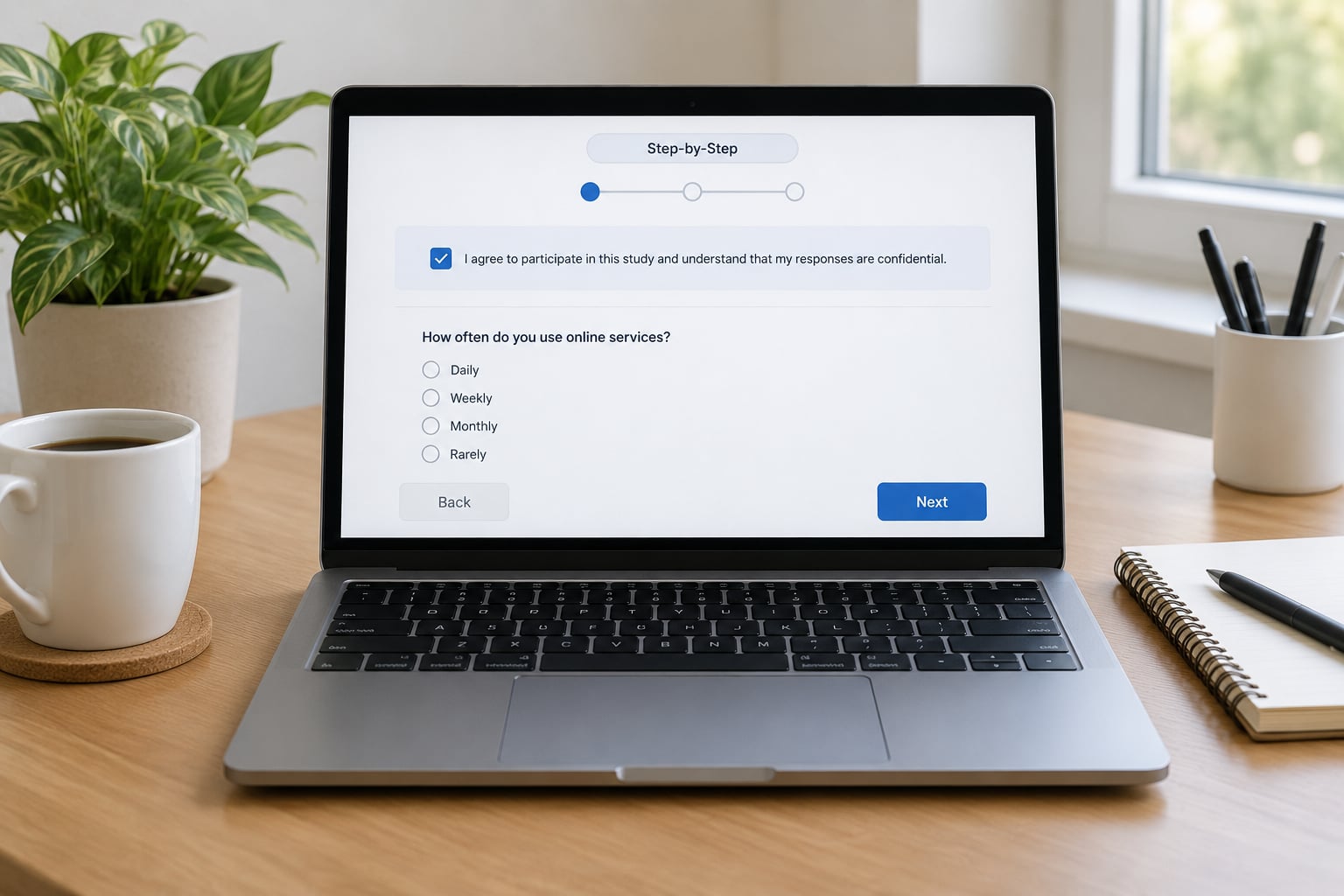
The build runs in six stages, and the order matters. Each step below lists what to do and how you can tell it worked.
Step 1: Plan the Research Questions and Survey Structure
Start from your research question or hypothesis, not from a question bank. Write one sentence naming the variables you need, then turn that sentence into sections.
A typical structure is an introduction and consent page, eligibility screening, the main measures, demographic items, and an end-of-survey page. Each section should correspond to something in your analysis plan. If a section maps to no variable, it is either padding or a sign that your research question has drifted.
Map each measure to a variable code now, while you are still free to change things. Typical conventions are single letters for demographics, Q numbers for scale items, and a prefix for attention checks, so attention check items stay easy to filter later.
Step 2: Create and Configure the Qualtrics Project
Sign in, open the Projects tab and click Create project. The Project Wizard opens with a set of templates. For most academic work, choose the blank project or survey template rather than a feedback or employee research template, then click Get started.
Name the project the way your thesis or paper will refer to it. Something like Dissertation Pilot 2 v1 is far more useful in six months than Final Survey.
On the Edit Survey page, add your introductory content: study purpose, expected completion time, contact details for the principal investigator, and the statement that participation is voluntary. Supporters of academic surveys consistently cite short stated completion times as a driver of participation, so give an honest number.
Under Survey Options, set the response settings you need. Turn off IP address and geolocation collection if your design is anonymous. Decide whether responses are anonymous or identified, and set the number of responses the survey accepts if you are collecting a fixed sample.
How you know it worked: you can preview the survey from the Preview tab and see your introduction text exactly as a respondent will.
Step 3: Add Informed Consent and Eligibility Questions
Put the board-approved consent text in a descriptive text block at the top. Follow it with a yes or no consent item, and make the consent item required so the survey cannot be completed without agreement.
Write eligibility items immediately after consent, and disqualify anyone who fails them. Add display logic so non-eligible respondents skip straight to a short thank you page instead of answering the whole instrument. That block logic is what keeps ineligible data out of your export.
Keep identifiers to a minimum. Ask only what your design needs: eligibility attributes such as age band or enrolment status, and any identifying details your institution requires. Researchers often want participant-level data linked across waves and still need responses to look anonymous; embedded data fields solve that, and the details are in Step 5.
How you know it worked: preview the survey, decline consent, and confirm you land on the termination page rather than in the questions.
Step 4: Write Clear, Valid Academic Questions
Question wording drives your measurement quality more than any platform feature. Write one idea per question, keep the stem stable across scale items, and avoid words that point respondents toward an answer.
Avoid double-barreled items such as asking about price and quality in one question, because a respondent who feels strongly about only one half still has to pick a single answer. Avoid vague time frames like recently, and name the period you mean.
| Question type | Academic use | Data produced |
|---|---|---|
| Single answer, multiple choice | Single categorical items, screening | One coded value per row |
| Multiple answer, multiple select | Check-all-that-apply, multi-item constructs | One binary column per option |
| Matrix / table | Likert scale batteries | One numeric column per row item |
| Rank | Preference ordering, forced ranking | Ordinal position per option |
| Slider or numeric | Ratings on a continuum, doses, durations | Continuous numeric value |
| Text, short answer | Open responses, unexpected answers | Uncoded string, slow to analyse |
| File upload | Consent documents, task data | File reference in the export |
For Likert batteries, a matrix keeps items together and exports one column per item, which is far easier to work with than twenty separate questions. Set the scale anchors in the question text, such as 1 strongly disagree to 7 strongly agree, and keep the same direction for every item.
Use validated measures when one fits your question, and report the scale name and citation in your paper. Adapting a published scale changes its psychometrics, so say what you adapted and how.
Randomize block order when order effects are plausible, but do not randomize the items of a validated scale unless the original instrument did. Mark optional questions optional unless your analysis plan treats missing data as a problem you have already thought about.
How you know it worked: read every question aloud. Anything you stumble over will lose a respondent too.
Step 5: Add Skip Logic and Prevent Bad Data
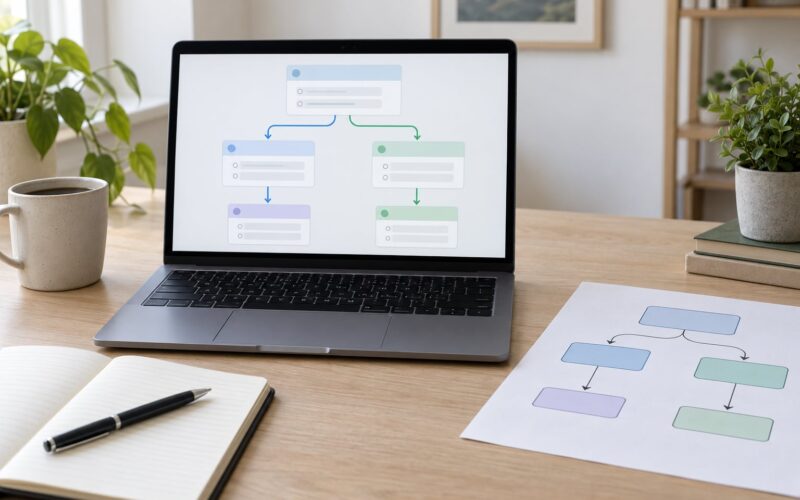
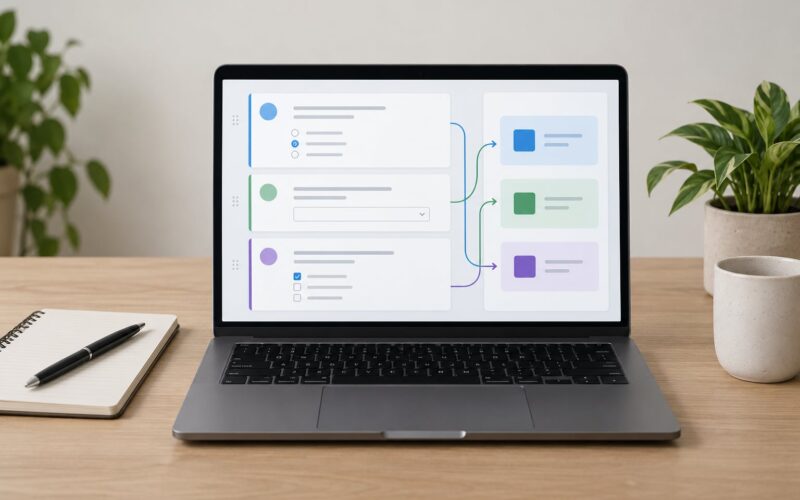
Qualtrics has three related tools, and they solve different problems. Display logic controls whether a question is shown. Skip logic sends a respondent to a different block or ends the survey after a given answer. Branch logic is the combined form that routes respondents down different paths based on their answers.
Set this up on the Survey Flow tab, where blocks appear in order and conditions attach to each block. Test every path. Dead ends are the most common build error, and they are easy to create when a condition references a question that was later renamed.
Answer options can carry validation rules, such as requiring a year in a four-digit range or forbidding values outside a plausible interval. Validation catches typos; it does not improve your sample.
Use quotas to cap responses per group when you are balancing a sample, and use authentication to stop duplicate entries from the same person. Authentication identifies respondents, so it conflicts with anonymous designs. If you need both de-duplication and anonymity, the practical route is an embedded data field carrying a non-identifying code you generated yourself.
Attention checks are items that tell the respondent to select a specific option, or to skip a question. Use one or two in a longer survey and record them in a clearly named variable. Straight-lining detection works the same way: add a rule on a matrix item to flag respondents who gave the identical answer down the whole block.
There is a limit here. In a low-stakes student project, heavy gating and constant screening can push your response rate down far more than the quality gain is worth, and screening rules that are too aggressive remove legitimate respondents. Use one attention check at most, and pre-specify your exclusion criteria in your analysis plan so the rule is not chosen after you see the data.
How you know it worked: submit a test response for each branch and check the export for rows that should not exist.
Step 6: Review, Pilot Test, and Prepare the Data for Analysis
Before anything goes live, test it properly. Open the survey on your phone and on a desktop, because respondents answer mostly on mobile and matrix questions are where layouts break first.
Run a full test response end to end, then check the Results and Data tabs. Confirm the column names match the variable codes you planned and that dates, scales and recoded values landed where you expected. Submit several test responses from different devices to see how Qualtrics recorded them.
Pilot the instrument with five to ten people outside your target sample. Ask them to think aloud as they answer. The questions they pause on are the ones that will cost you respondents and produce missing data later.
Revise, then protect the live version. Qualtrics records a history for each question, so re-download the final questionnaire PDF for your records and note the launch date. Never change wording after responses start arriving unless you document the change and treat the two waves as separate instruments.
Distribute through the Distributions tab. An anonymous link is the right default for most academic designs; email distribution lets you control who receives the invitation, and QR codes work for on-campus recruiting. Keep the recruitment message consistent with what the board approved.
When you export, choose the labelled option so each row has the question text and the codebook is downloaded with the data. Export to CSV, .sav or .dta depending on your software, then read it into SPSS, R or Stata with the label column kept. Keep the raw export untouched and do all cleaning on a copy.
How you know it worked: your data file opens in your analysis software, the labels display correctly, and the row count matches the number of completed responses on the Qualtrics dashboard.
Common Mistakes
Nearly every problem below traces back to building the instrument before designing the study.
- Collecting more personal data than the design needs. Fix: remove any item you cannot justify in your ethics application. Extra identifiers create risk and buy nothing.
- Copying a published scale without citing or adapting it properly. Fix: record the source and any permission requirement, and describe your modifications in the methods section.
- Using an inconsistent or vague scale. Fix: standardise anchors across the battery and name the interval explicitly.
- Skipping pilot testing. Fix: run five to ten cognitive walkthroughs and revise before launch.
- Editing questions after data collection starts. Fix: launch a new version and treat it as a separate wave in your documentation.
- Exporting without labels. Fix: always download the labelled export plus the codebook, and archive both with your data.
- Over-using disqualifying logic. Fix: keep screening minimal and put every exclusion rule in the analysis plan first.
- Recruiting only inside your institution. Fix: plan campus recruitment, your department list and a reminder schedule in advance, since a single email to classmates rarely fills a dissertation sample.
If respondents report logic dead ends or a frozen page, the usual cause is a branch condition pointing at a deleted question. Walk the flow again and remove any condition whose source question no longer exists.
Frequently Asked Questions
What is Qualtrics?
Qualtrics is a web-based survey platform used to build, distribute and analyse online questionnaires. Researchers use it because it handles branching logic, embedded data, anonymous response collection and exports to SPSS, R or Stata without extra software. Most universities provide it free to students and staff through single sign-on, which is why it dominates academic survey work.
How do you share a Qualtrics survey link?
Open the project and go to the Distributions tab. Choose Anonymous link if you do not need to track recipients, then copy the generated URL and add it to your recruitment message. To control who receives the invitation, create an email distribution list instead. Before you send anything, confirm that the copy you paste matches the wording approved by your ethics board.
How do I make a completely anonymous Qualtrics survey?
In Survey Options, turn off IP address and geolocation collection, and use an anonymous link rather than an email distribution list. Ask for no direct identifiers, and avoid a required field that reveals who the respondent is. Note the trade-off: true anonymity means you cannot prevent duplicate submissions or link responses across waves, so plan for that before you launch.
Do I need IRB approval to use Qualtrics?
You need approval from your institutional review board whenever your survey counts as human subjects research, which usually means collecting data from people about themselves. Approval should cover the questions, the consent wording, the recruitment plan and how the data will be stored. File the draft questionnaire with your application, because reviewers expect to read the exact instrument.
How do I export Qualtrics data for SPSS, R, or Stata?
Open the Data tab, choose Export, and tick the labelled option so each row carries its question text, then download as CSV, .sav or .dta. Save the codebook that comes with the export. In SPSS or Stata the labelled file opens directly, and in R read the CSV and apply your own value labels from the codebook.
How many questions should an academic survey have?
There is no fixed number, but completion time predicts response rate more reliably than question count. As a rough guide, a 5 to 10 minute survey recruits well for student and course projects, while a 20 minute instrument is realistic only with strong incentives or an existing relationship with participants. State the expected time honestly in the consent text.
Conclusion
Start by writing the variable table for your analysis, one row per construct you plan to test. That single exercise decides your question types, your skip logic and how you will export the data, and it takes fifteen minutes.
Everything after that is careful execution: ethics approval, approved consent wording, branch logic you have tested on every path, and a pilot with real people before you launch. When the analysis sketch and the survey structure agree, the survey is defensible, and the export arrives in your statistics software ready to use.