Sharing data and code with your thesis means putting the analysis files, the scripts that process them and the documentation needed to re-run them in a repository, giving that deposit a permanent identifier, and linking it from the thesis itself. For most candidates the whole job takes an afternoon once the analysis is finished, and the hard part is deciding what you are allowed to release rather than the upload mechanics.
The reason to do it is simple: a thesis describes results in prose, and prose almost never contains enough detail for anyone to reproduce them. Examiners, journal reviewers and your own future self all hit that wall. Mike Croucher, who has pushed a lot of research code into the open, puts the upside plainly: people who use your code turn into citations, then collaborators, and the act of preparing it for strangers usually makes your own work cleaner too.
What follows is the full workflow, in the order I would run it. I have written it for SPSS, Stata, R and Python projects because that is where most thesis analysis actually happens, and I have included the copy-paste pieces that usually get skipped: a README skeleton, a .gitignore, and the availability statement wording for the thesis appendix.
Table of Contents
- 1What You Need
- 2Step-by-Step: How to Share Data and Code with Your Thesis
- 3Step 1: Check Consent, Ethics and Copyright Permissions
- 4Step 2: Organize the Data and Code Files
- 5Step 3: Remove or Protect Sensitive Information
- 6Step 4: Document the Data and Analysis Workflow
- 7Step 5: Choose a Repository or Sharing Option
- 8Step 6: Test and Deposit the Final Package
- 9Common Mistakes
- 10Frequently Asked Questions
- 11Why should I share my thesis code?
- 12Can I share my thesis data with other researchers?
- 13Is GitHub enough to archive research code?
- 14Do I need a data availability statement in my thesis?
- 15How do I cite a dataset or code in my thesis?
- 16Can I share code I wrote during paid work as part of my thesis?
- 17Conclusion
What You Need
You need six things ready before you touch a repository, and three of them are decisions rather than files.
- De-identified data files. The cleaned or analysis-ready versions, not the raw master copy. If anonymisation is still outstanding, that is the blocker to clear first.
- Analysis scripts. Every script that turns raw input into the numbers appearing in your tables and figures. Not a cleaned-up rewrite; the actual scripts you ran.
- A data dictionary. One row per variable: name, label, type, units, coding, missing-value codes, source. This is the single most-requested file in the comments under sharing threads.
- Software and version details. Which package and version produced the results, plus the version of every dependency your script loads.
- A README. What the project is, what runs first, what each file is, and what a user must install. Empty READMEs are the most common complaint in research-code threads.
- A chosen repository and licence. Decided before you commit anything, because the licence choice affects what you can put in the repository.
Alongside those, have to hand the paperwork side: your consent forms, your ethics approval letter, any data-use or collaboration agreement, and any software licence that governs code you wrote during paid work. Several of these will tell you plainly that you cannot share, and that answer ends the discussion rather than complicates it.
Step-by-Step: How to Share Data and Code with Your Thesis
The workflow below takes about four to six hours for a typical master’s project, spread across two or three sessions. Most of that time goes into writing the README and testing a clean run, which is the right place for it to go.
Step 1: Check Consent, Ethics and Copyright Permissions
Confirm first that you are permitted to share at all, because everything downstream is wasted effort if you are not. Read the consent form you used during data collection first: if it promised anonymity, pseudonymised records or confidential handling, that promise binds you regardless of what any repository allows technically.
Then work through the other constraints. Ethics approval letters sometimes specify that raw data stays with the research team. Collaboration agreements may vest data ownership in a partner institution. Industry-supplied datasets usually come with terms that forbid redistribution outright. Code written during a paid contract is normally employer intellectual property, and commenters on research-sharing discussions are consistent on this point: salaried work does not get published unless the employer says so.
Write down what you found, one line per document. Where the answer is ambiguous, ask your supervisor or your institution’s research data support service in writing and keep the reply. That email becomes part of your audit trail, and it is far easier to defend later than a memory.
Step 2: Organize the Data and Code Files
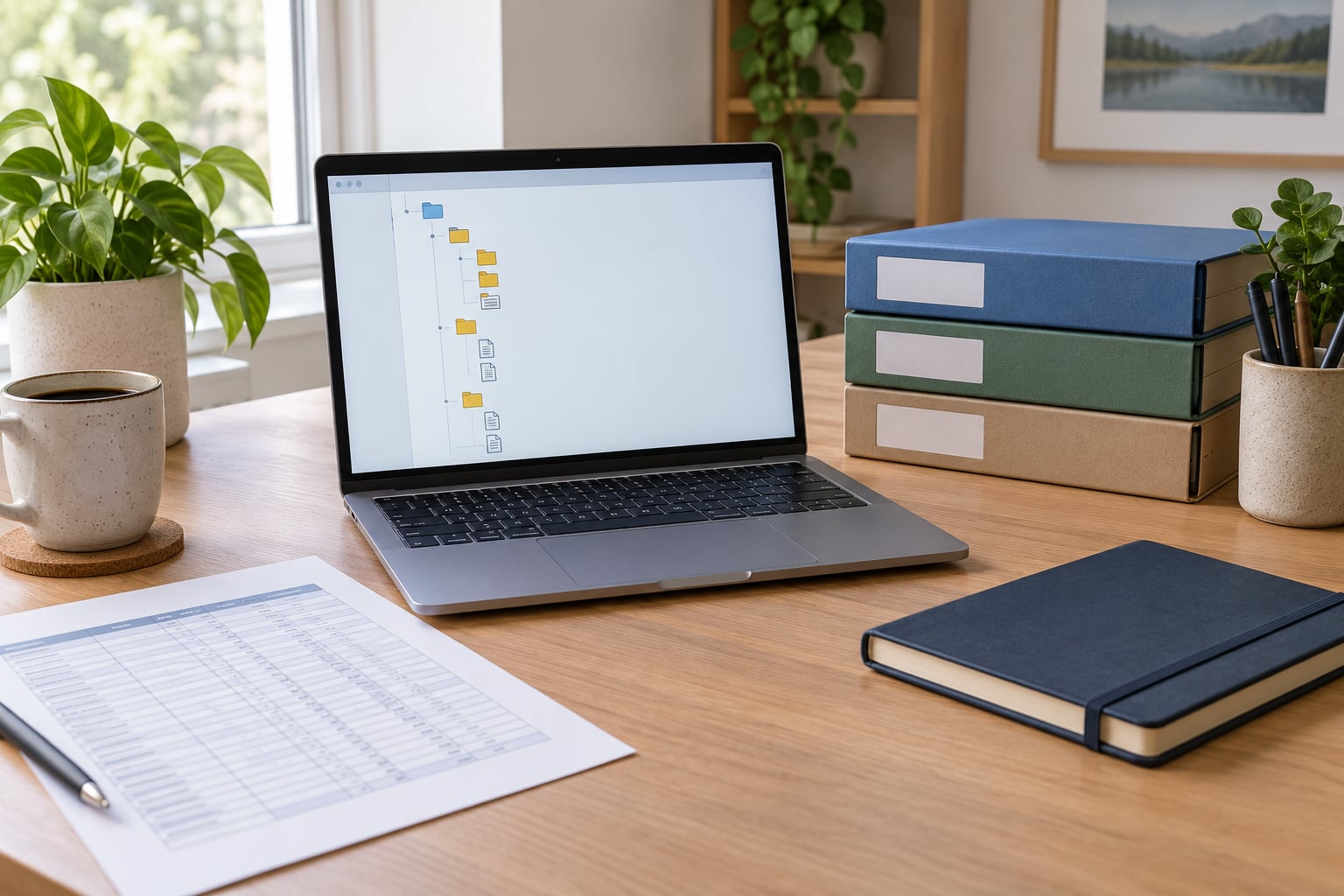
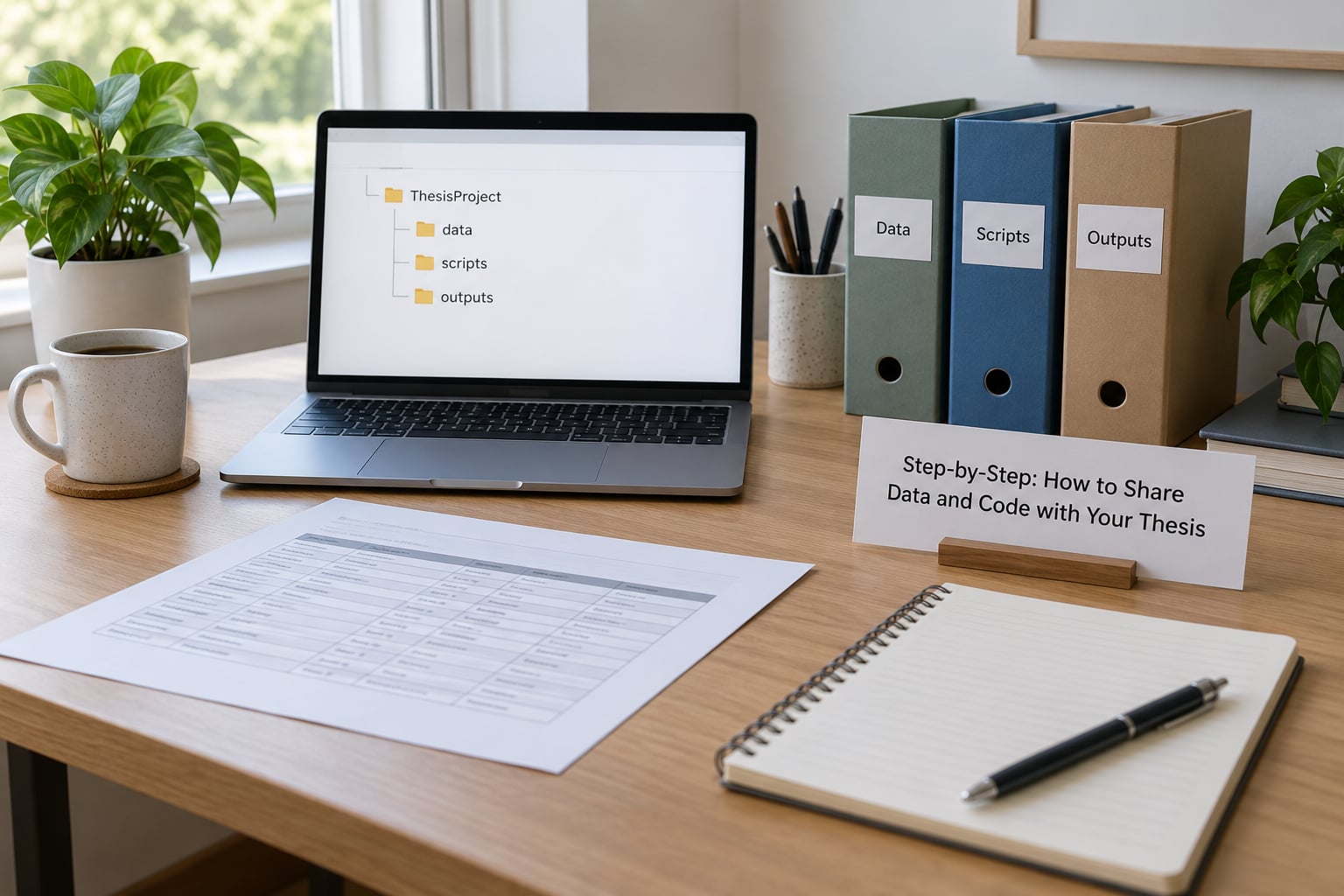
Most thesis folders are a single directory of files named final_v2_reallyfinal.do, so the first job is to impose a structure that another person can navigate in under a minute.
thesis-project/
├── README.md
├── LICENSE
├── CITATION.cff
├── data/
│   ├── raw/            (excluded from the repository)
│   └── analysis/       (de-identified analysis files)
├── code/
│   ├── 01_clean.R
│   ├── 02_merge.R
│   └── 03_models.R
├── outputs/
│   ├── tables/
│   └── figures/
├── docs/
│   ├── data_dictionary.csv
│   └── codebook.pdf
└── renv.lock
Two habits make the difference later. Name files with a numeric prefix so the run order is obvious, and keep nothing identifying in filenames: no surname, no participant code that maps to a consent list, no hospital or site name if that identifies the source. Consistent, boring names beat clever ones because scripts can then be written once and re-run.
Step 3: Remove or Protect Sensitive Information
Strip anything that could identify a person before the data leaves your machine: names, addresses, contact details, dates of birth, free-text interview answers containing self-identification, and geographic detail precise enough to pinpoint a household or a clinic catchment.
Three techniques cover most cases. Direct identifiers get deleted or replaced with a random study ID held in a separate key file you never deposit. Quasi-identifiers get grouped: birth year into decade, postcode into region, employer into sector. Rare categories get suppressed, meaning any cell with fewer than a handful of cases is either collapsed or withheld, so nobody can reverse-engineer an individual from a table of one.
Some data you cannot anonymise at all. GPS traces, audio recordings where the voice is the data, and small clinical cohorts either cannot be de-identified in any meaningful way or would be useless afterwards. Those need a controlled-access deposit instead: the metadata goes public, the files sit behind a repository access process, and the README explains how to request them and who approves requests.
Step 4: Document the Data and Analysis Workflow
A data availability statement is a short paragraph in the thesis naming where the data and code live and giving the identifier. What makes that paragraph honest is the documentation behind it, and a README is where most of that lives.
Replace absolute paths with relative ones so the scripts run from the project root. In R that means here::here() or read.csv("data/analysis/wave1.csv"), not read.csv("C:/Users/you/Desktop/thesis/wave1.csv"). Set and record a random seed at the top of any script that samples or simulates, so repeated runs match your submitted tables.
Pin your dependencies rather than trusting the session you happen to have. In R, run renv::init() once at the start and renv::snapshot() before each major analysis, then commit the resulting renv.lock. In Python, commit a requirements.txt with pinned versions. For Stata, put a version header in the do-file and keep a captured log. For SPSS, save a syntax file rather than relying on a saved output file, because only the syntax records what was actually done.
A README template that works for most projects looks like this:
# Thesis title
Author Name (ORCID: 0000-0000-0000-0000) · Supervisor Name · 2026

## What this is
One paragraph: research question, data source, what the code produces.

## Requirements
R 4.3.x (see renv.lock) / Stata 18 / SPSS 29 / Python 3.11

## How to run
1. Restore the environment: renv::restore()
2. Run scripts in numeric order: 01_clean, 02_merge, 03_models
3. Outputs appear in outputs/

## Files
- data/analysis/ — de-identified analysis files
- docs/data_dictionary.csv — variable definitions and missing codes
- outputs/ — tables and figures used in the thesis

## Data availability
See the availability statement in the thesis appendix. Restricted files
are described in docs/access.md, with the request process.

## Citation
CITATION.cff in this repository gives the preferred citation and DOI.
The exclusion note matters as much as the rest. Readers will not ask about the participants you dropped, the outliers you removed or the imputation you chose not to do, so you have to say it, with reasons, in the README and in the thesis methods section.
Step 5: Choose a Repository or Sharing Option
Choose a forge for the working code and an archive for the citable version, because they do different jobs. A forge is where people clone, comment and track commits. An archive is what still resolves in ten years, with a DOI attached.
| Option | Best for | Watch out for |
|---|---|---|
| GitHub, GitLab, Codeberg | Working code, commit history, collaboration | Not an archive; repos get deleted or renamed |
| Zenodo | Minting a version-specific DOI from a GitHub release | Large files need a paid tier |
| Institutional repository | Meeting a university deposit requirement | May be staff-only, or may close |
| Dryad, figshare, OSF | Data deposits outside your discipline’s archive | Code gets generic treatment |
| Software Heritage | Long-term preservation of code specifically | No DOI; gives a SWHID identifier instead |
| Controlled access | Ethics- or contract-restricted data | Requires an application process you must staff |
For a thesis, the usual combination is a public GitHub or GitLab repository plus a Zenodo DOI minted from a tagged release, with your university’s institutional repository holding the submitted manuscript. Connect Zenodo to the forge once, create a release when you are ready, and the DOI appears automatically. Cite that DOI in the thesis so the link works even if the forge account disappears.
Platforms do fail. University forges close to budget cuts, and Gitorious and Google Code both shut down, taking hosted research code with them. That is the entire argument for archiving somewhere you do not personally control.
Step 6: Test and Deposit the Final Package
Test it before you cite it. Clone the repository into a fresh folder on a machine you do not normally use, restore the environment, and run the scripts top to bottom. Anything that fails at that point fails for your examiner too.
Before you hit publish, walk this list:
- The repository runs from a clean clone with no absolute paths left.
- No identifying data, no raw master files, no consent forms, no keys.
- Random seed set; dependency lockfile committed.
- LICENSE file present and covering the code, not the manuscript.
- README describes how to run it and what each folder holds.
- Exclusions, drops and non-standard decisions documented.
- Access route documented for any restricted file.
- Repository metadata filled in, ORCID connected, CITATION.cff present.
- A release tagged and the Zenodo DOI minted and tested in a browser.
- The availability statement in the thesis matches what you actually deposited.
Two licence traps catch people out here. First, an MIT or similar open-source licence sitting in the repository root can appear to cover everything inside it, including a thesis PDF you dropped there for convenience, so keep the manuscript out of the code repository. Second, choosing no licence at all does not mean open; it means nobody has permission to reuse or even run your work, which is not what you want from a sharing effort.
Common Mistakes
These are the errors that come up again and again, each with the correction that actually fixes it.
- Depositing identifiable data. Even a single name is a breach. Fix: run the de-identification in Step 3, then check the deposit folder for names, emails and small-cell tables.
- Sharing only the final tables. A results table with no inputs cannot be re-run or checked. Fix: share the analysis files and the scripts that produced them, not just the outputs pasted from a log.
- Omitting software details. Version drift quietly changes results. Fix: commit renv.lock, requirements.txt, or a Stata version header in every do-file.
- Absolute file paths. The single most-upvoted complaint in research-code threads. Fix: use paths relative to the project root and test from a clean clone.
- Failing to document exclusions. Readers assume you dropped cases by accident. Fix: state every exclusion, dropout and imputation decision in the README and methods.
- Promising more than the licence allows. Sharing raw interview data that consent did not cover is a breach, not an openness win. Fix: metadata-only deposit plus controlled access, or synthetic data.
- Treating the forge as the archive. Fix: mint a Zenodo DOI from a tagged release and cite that.
- No availability statement in the thesis. A deposit nobody can find from the manuscript is invisible. Fix: add the short paragraph naming the repository and the DOI.
If your supervisor or funder tells you that you cannot share, that is a legitimate answer and not a failure. Ask what they will accept instead: a deposit on request, an embargo until the paper is published, or a rich description of the data in the thesis so the work is at least reproducible in principle.
Frequently Asked Questions
Why should I share my thesis code?
Three reasons beat the usual idealism. First, examiners and reviewers can check your work instead of trusting it, which protects you. Second, your own reanalysis years later depends on code you can still run, and code written for someone else is code that runs. Third, public code is treated as proof of skill, and it has led to job offers for people who had no publications yet. It also tends to improve your own practice, because preparing code for strangers exposes hard-coded paths and missing dependencies.
Can I share my thesis data with other researchers?
Often yes, but only if your consent forms, ethics approval and any data-use agreements permit it, and only after de-identification. Consent promising anonymity or confidentiality binds you regardless of what a repository allows technically. Where data cannot be de-identified meaningfully, deposit the metadata openly and put the files behind controlled access with a documented request process. Synthetic or simulated data is another route when the structure matters more than the values.
Is GitHub enough to archive research code?
No. GitHub is a forge, not an archive: repositories get renamed, deleted or abandoned, and hosted platforms have shut down entirely. Add an archive layer. Connect your repository to Zenodo, tag a release when you are ready, and you get a version-specific DOI that stays resolvable. Software Heritage will also snapshot code and give you a SWHID identifier, and your institutional repository may satisfy a university deposit requirement.
Do I need a data availability statement in my thesis?
Increasingly yes, and you should write one even where it is not mandated. It is a short paragraph naming the repository, the licence and the DOI, plus a sentence for anything restricted. Without it, the deposit stays effectively invisible to anyone reading the thesis, and examiners cannot tell whether you shared anything. Write it after the deposit is live, so the identifiers in it are real rather than promised.
How do I cite a dataset or code in my thesis?
Cite the identifier, not the website. For a Zenodo deposit, use the DOI with the version you actually used, and include author, year, title and the repository in your reference list. A CITATION.cff file at the repository root lets tools generate the correct citation automatically, so commit one with your author name, ORCID and version-specific DOI. In the methods or appendix, cite it the same way as any other output.
Can I share code I wrote during paid work as part of my thesis?
Usually not without permission. Code written during a salaried or contract role is normally the employer’s intellectual property, and confidentiality terms in your employment contract are the governing document, not your university’s open research policy. If the thesis analysis reuses that code, ask your employer for written clearance or, more commonly, rewrite the analysis in code you own and cite the original work instead.
Conclusion
Start with permissions, not with GitHub. Read your consent form and ethics letter, write down what they allow, and get ambiguous cases confirmed in writing. That is the first move in how to share data and code with your thesis, and skipping it is the one mistake that cannot be undone after deposit.
Then build the package: de-identified analysis files, the scripts that produced your submitted tables, a README, a data dictionary and a pinned dependency file, tested from a clean clone. Deposit it at the level of access your paperwork allows, archive the release so it gets a DOI, and write the availability statement from what you actually deposited. If that takes an afternoon, it buys you a citable research output that keeps working after you graduate.