Learning how to find free datasets for a research project comes down to five steps: define the variables you need, search open data portals and academic repositories, screen candidates for fit, check the licence, then download, document and cite the file. Almost all of the hard work happens before you click download.
Free datasets let you run a real, citable analysis without waiting months for ethics approval or a fieldwork budget, and they make your results reproducible because someone else can download the identical file. The trade is that you are working with data you did not design, so the screening work matters more here than it does with your own pilot survey.
This guide is written for undergraduate and master’s students on a dissertation or coursework project, for doctoral and early-career researchers who need secondary data, and for analysts who want realistic files for a portfolio. Allow an hour to scope the question, another hour or two to screen candidates, and roughly an hour to document whatever you keep.
Table of Contents
- 1What You Need
- 2Step-by-Step
- 3Search for free datasets using keywords and filters
- 4Check the original source and dataset documentation
- 5Verify the license, access conditions, and ethical restrictions
- 6Assess quality and suitability for the research question
- 7Download, preserve, and document the dataset
- 8Common Mistakes
- 9Frequently Asked Questions
- 10Where should I start looking for free datasets for a research project?
- 11Can I use a dataset from Kaggle, GitHub or Data.gov in my thesis?
- 12What is the difference between CC0, CC BY and CC BY-NC?
- 13How do I cite a dataset in my references?
- 14Do I need ethics or IRB approval to analyse public datasets?
- 15How do I know if a free dataset is good quality?
- 16Conclusion
What You Need

A dataset is a structured collection of observations, usually rows of cases and columns of variables, stored in a file format you can load into your analysis software. Before you search for one, write down what your file needs to contain, because a vague question produces a search that returns everything and helps with nothing.
Six specifications do most of the scoping work. First, the variables: list the exact measures you intend to analyse, not the concept, so household income rather than economic wellbeing. Second, the population and geography, whether that is US counties, EU member states or one city. Third, the time period, including whether you need point-in-time data, meaning the values as they stood on a past date rather than today’s revised figures.
Fourth, the unit of analysis, which tells you what one row represents: a person, a household, a firm, a hospital or a year per country. Fifth, the file format you can actually use, and this is where a lot of wasted hours happen. Plain CSV imports cleanly into SPSS, Stata and R, while nested JSON usually means flattening it first, and a fixed-width file needs a column specification before it will load at all.
Sixth, your access limits. Registration-only sources are fine for most coursework but can be a problem if your institution has no email address to register with. Restricted sources require a data use agreement, an ethics determination or an in-person application, so factor the lead time into your schedule.
Not all free is the same, and the difference matters for a thesis. Open data is free to download, reuse and redistribute under an open licence. Registration-only data is free but gated behind a free account. Restricted data requires approval before you can download anything. And there is a fourth category that catches people out: data that is free to download but restricted in use, where the licence permits reading and analysing but forbids commercial use, redistribution of the file, or publishing identifiable rows.
Keep a search log as you go. A spreadsheet with columns for dataset name, publisher, URL, date found, licence, variables available, format, and a keep-or-drop column takes ten minutes to set up and saves you rebuilding the same list two weeks later when you have to justify the choice to a supervisor.
Step-by-Step
Search for free datasets using keywords and filters
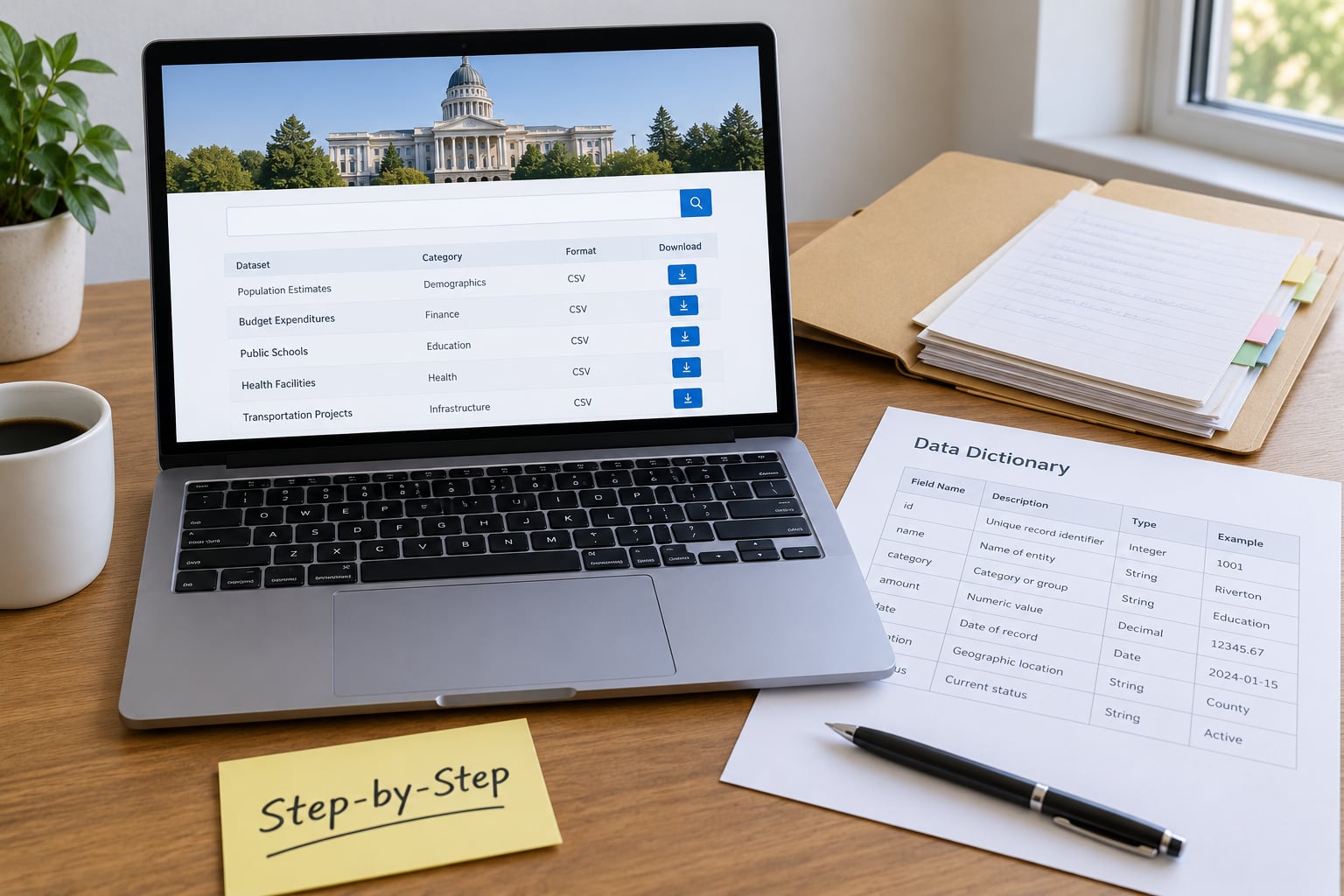
Turn your research question into search terms before you open a repository. Write the concept, the population and the study design as separate words, then combine them with a term that signals data rather than articles: dataset, open data, microdata, statistics, survey data or codebook. Searching for household income by county microdata census returns something useful, while searching for inequality is just noise.
Use the filters rather than scrolling. Google Dataset Search lets you narrow by last updated, source, format and usage rights, which is how you cut a list of thousands down to files in CSV with a commercial-use licence. On ordinary web search, filetype:csv and site:gov restrict results to downloadable files from government domains, and adding the word codebook surfaces datasets that ship proper documentation.
It also helps to know which kind of source suits which project. General catalogues and code-hosting platforms are fast but noisy, while subject repositories and statistical agency archives are slower to search and much more likely to come with documentation.
| Source | What it hosts | Licence | Registration | Best for |
|---|---|---|---|---|
| Google Dataset Search | Index of datasets from governments, universities and publishers | Varies per record, shown in the filter | None to search or download | Finding anything at all, then filtering down |
| Data.gov | US federal agency data | Mostly public domain, some Creative Commons | None for browsing or downloading | US policy, demographics, environment, crime |
| Kaggle | Community-uploaded tabular and image data | Set per dataset, so check each one | Free account | Practice projects and machine learning exercises |
| GitHub | Datasets hosted inside code repositories with a README | Whatever the repository states, often unclear | None to browse | Niche open files and transparent analysis pipelines |
| Zenodo | Research deposits with DOIs, including theses and grey literature | Usually Creative Commons, set by the depositor | Free account to deposit, none to download | Citable data that does not live in a journal |
| Harvard Dataverse | Curated social science deposits with documentation | Per dataset, some restricted | Free account | Survey data that ships with a codebook |
| ICPSR | Social science data archive | Per dataset, some restricted | Free account | Survey and experimental microdata for a methods project |
| UK Data Service | UK teaching and research datasets | Per dataset, registration for some series | Free registration | Practice-ready teaching data with full documentation |
| UCI Machine Learning Repository | Benchmark datasets for classification and regression | Permissive, listed per record | None | Small clean files for testing an analysis pipeline |
| World Bank Open Data | Cross-country development indicators | Creative Commons attribution | None | International comparisons and longitudinal series |
| Eurostat | Official statistics for the European Union | Free reuse under the EU reuse policy | None | Regional and cross-country European comparison |
When a search comes up empty, widen the design rather than the topic. Look for supplementary files attached to published papers, since a data availability statement often names a repository directly. Check whether the agency publishes an API so you can pull the records you need programmatically. For US federal records, a public records request can give you data that is not published at all. And if a paper rests on data you cannot locate, emailing the corresponding author usually works, particularly when you ask for the file and the codebook rather than for an explanation.
Check the original source and dataset documentation
Once a candidate looks promising, find the publisher’s own landing page rather than relying on whoever rehosted it. You need to know who collected the data, how, when, over what population, and how the variables are defined. A file copied to a community platform may be years out of date, stripped of its codebook, or have renamed columns that no longer match the documentation.
The most important check is vintage. Statistics get revised, categories get recoded and boundaries get redrawn, so a series published today may not match what was published when your study period began. If you are comparing years, confirm that the publisher’s revisions have not silently changed earlier values, and record the release date of the extract you downloaded.
A data dictionary or codebook is the file that turns a spreadsheet into analysable data. It should tell you the variable name, a plain-language label, the response options, the units, and the codes used for missing values. Those missing codes are the ones students forget: a value of 9 or -99 or 9999 rarely means a real measurement, and treating them as data skews every mean you compute.
Documentation can live in a few places, so check them in order: the landing page, a README file, a codebook PDF, a data dictionary spreadsheet, or metadata fields attached to the dataset DOI. You have done enough when you can state the publisher, the fieldwork dates, the unit of analysis, the population covered and where the codebook lives, without guessing.
Verify the license, access conditions, and ethical restrictions
This is the step that most free-dataset listicles skip, and it is the one that decides whether your findings can be published. Look for a licence statement on the landing page, in the terms of use tab, in the repository policy, in the README, or in the DOI metadata. If you cannot find one, treat the dataset as all rights reserved and assume you need written permission.
The licences you will meet most often mean the following. Public domain and CC0 let you use the data for anything, including commercially, with no attribution requirement. CC BY requires you to credit the creator in any reuse or publication. CC BY-NC adds a non-commercial condition, which is usually fine for a thesis but breaks down if a commercial partner later wants to use the work. CC BY-ND forbids redistribution of adapted versions, so you may publish findings but not a cleaned copy of the file. Restricted means a data use agreement, an application, or a formal request.
A workable decision flow runs like this. If no licence is stated, get written permission before you use it. If the licence is open with attribution, use it and credit the source. If it is non-commercial, confirm your use is non-commercial and say so in your data statement. If it is no-derivatives or restricted, either request access or drop the dataset and keep searching.
Access conditions are separate from the licence, so check both. Registration-only is quick and usually harmless. Restricted collections in archives such as ICPSR or Harvard Dataverse typically require an application, an agreed purpose and sometimes a secure environment for high-risk files. Budget weeks for those, not days.
Ethical restrictions deserve their own paragraph. Most institutional review boards treat secondary analysis of genuinely public, de-identified data as exempt or not human subjects research, but that determination belongs to your board, not to a blog post or to the fact that a download button was public. Ask for a written determination early, because an approval you did not obtain can invalidate an entire dissertation. If the data are protected by privacy regulation such as GDPR, or the records are small enough that individuals could be identified, treat the collection as restricted regardless of how easily you downloaded it.
Assess quality and suitability for the research question
Run every candidate through the same checklist, because an easy download tells you nothing about fitness. Relevance: are your required variables actually present, and are they measured in a way that matches your question? Representativeness: what sampling frame was used, what was the coverage rate, and who is missing? Measurement validity: did the question wording change between waves or regions? Completeness: what share of each variable is missing, and is missingness random or concentrated in one subgroup? Timeliness: how old is the newest observation? Comparability: are definitions stable across the period you need?
Completeness deserves a second pass because it is the most common reason a project stalls after download. Look at the codebook, then run a quick missingness summary per variable and per year. A variable that is 90 percent complete in recent years and entirely absent in early ones will wreck a trend analysis, and you will only see that once you tabulate by period.
Then do the first thirty minutes of quality checks. Confirm the row and column counts match what the documentation promised. Check for duplicate records, especially in pooled files assembled from several years. Check the encoding, because accented characters and currency symbols mangled into odd bytes will quietly corrupt string variables. Print summary statistics for your key variables and look for impossible values such as negative ages or percentages above one hundred. Finally, confirm the unit of analysis is what you think, since a file described as household-level with one row per person breaks most weighting schemes.
Reject a dataset when the provenance is unclear, when there is no codebook and no metadata, when the file has been circulating without a publisher, or when it is so US-centric that it cannot speak to your population. Experienced analysts on public forums make exactly this point: the World Bank catalogue and national statistical offices are underused compared with machine learning hubs, and for anything involving real survey design the social science archives such as the UK Data Service and ICPSR are the safer default.
Download, preserve, and document the dataset
Preserve the raw file before you touch it. Download the original from the publisher, save it unmodified into a folder you treat as read-only, and record the download date. Do not rename columns, fix typos or delete rows in that copy, because the ability to reproduce your results depends on being able to start again from exactly what the publisher released.
Save the supporting material in the same place: the codebook, the metadata file, any questionnaire or instrument, the documentation PDF and a screenshot or text copy of the landing page. Repository interfaces change often, so a saved landing page with its stated licence protects you when the link moves or the version is retired.
Keep a citation record with these fields: creator or organisation, year, title, publisher or repository, version or release, DOI or permanent URL, licence, and access date. A typical entry looks like this, with the bracketed parts filled in from the landing page:
Organisation or author. (Year). Title of dataset (Version X.Y) [Data set]. Publisher or repository. https://doi.org/xxxxx. Licence: CC BY 4.0. Accessed day month year.
Use that record twice. Put it in your reference list in your department’s required style, and put a data statement in your methods section that names the dataset, version and access date in running text. Journals and examiners increasingly ask for the second one, and having it ready saves a last-minute scramble.
Then set up a simple folder convention so the work is reproducible: a raw folder that never changes, a clean folder with your transformed data, an analysis folder with your code, and a README recording where the data came from, which licence applies, what you changed and why. If your institution required a data management plan at proposal stage, update it to match what you actually obtained, because the variables you ended up with rarely match the proposal exactly.
Finally, load the clean file into SPSS, Stata or R and write every recode and exclusion as a separate step you could rerun, so the whole cleaning stage is reproducible from one script.
Common Mistakes
The most common mistake is treating every free download as open data. Free to obtain does not mean free to publish, redistribute or use commercially. Correct it by reading the licence before the analysis, not after your supervisor asks about redistribution.
The second is choosing a dataset before defining variables, which turns a search into a browsing session. Write the variable list first, and reject anything that is missing one of them, even if the file is beautiful.
The third is ignoring the codebook and discovering the missing value codes by accident. Those default codes are the quietest source of wrong descriptive statistics in student projects.
The fourth is assuming national data represent every subgroup. National estimates hide regional, age and income variation, and small-area estimates come with wide confidence intervals that need to travel with the numbers.
The fifth is failing to check missingness before choosing a method. A variable that is 40 percent missing on one subgroup will wreck a comparison, and no statistical test repairs it.
The sixth is omitting the access date, version and licence from the citation. Supervisors and examiners do check, and an uncited dataset is the fastest way to lose marks on an otherwise solid analysis.
The seventh is the free-but-paywalled trap, which students describe constantly on research forums: portals that look open, then require an institutional login or a paid tier at the download step. Test the download before you build your plan around a file.
The eighth is using a community copy of a dataset whose original has been revised. Check the release date on the publisher’s landing page, and download from there instead.
The ninth is running the analysis without keeping a read-only raw copy. Recoding a file in place destroys the baseline you need for revision, and reproducing a result six weeks later becomes guesswork.
One organisational tip closes all of these: keep that search log spreadsheet from the start, with a row per candidate and a column for the reason you dropped it. Six weeks later, the reason is the only thing that saves you re-running the same search and making the same mistake.
Frequently Asked Questions
Where should I start looking for free datasets for a research project?
Start with Google Dataset Search if you need breadth, since it indexes government, university and publisher files in one place and lets you filter by format, date and usage rights. If your project uses survey or social science data, go straight to an archive such as ICPSR, Harvard Dataverse or the UK Data Service, where codebooks come as standard. Write your variable list before you search, not after.
Can I use a dataset from Kaggle, GitHub or Data.gov in my thesis?
Yes, provided you check three things: the licence on the dataset page, whether documentation such as a codebook exists, and whether the file is a current copy from the original publisher. Kaggle sets a licence per dataset and GitHub repositories often state none, which leaves you needing written permission. Many supervisors prefer a documented archive source, so say in your methods section why you chose the file you chose.
What is the difference between CC0, CC BY and CC BY-NC?
CC0 is a public domain dedication: use the data for anything, including commercially, with no obligation to credit. CC BY allows any use including commercial work but requires you to credit the creator. CC BY-NC allows any non-commercial use with credit, so it fits a thesis but blocks a later commercial application. None of the three allows you to imply the creator endorses your findings.
How do I cite a dataset in my references?
Record the creator or organisation, year, dataset title including its version, the publisher or repository, a DOI or permanent URL, the licence and the date you accessed it. Put that full record in your reference list using your department’s style, and repeat the name, version and access date in a data statement in your methods section. Datasets often have no named author, which is where the organisation stands in.
Do I need ethics or IRB approval to analyse public datasets?
Usually not, because most review boards treat secondary analysis of genuinely public, de-identified data as exempt or outside human subjects research. The determination is your board’s to make, not the dataset’s download button, so request a written determination early rather than assuming. You almost certainly do need approval for restricted, confidential or re-identifiable records, including many collections held under privacy regulation.
How do I know if a free dataset is good quality?
Look for four signals: a named institutional or academic publisher, a stated licence, a version or release date, and a codebook or data dictionary. Then check the sample frame and coverage rate, the proportion missing in each variable you need, whether question wording stayed stable across years, and how recent the newest observation is. A file with no metadata and an unknown uploader is a practice file, not research data.
Conclusion
Do one thing first: write the list of variables, the population and the period your question requires. Then search the authoritative portals rather than a random aggregator, screen each candidate against the same quality checklist, read the licence before you fall in love with the file, and preserve a documented raw copy the moment you download it.
The best free dataset is not the largest or the most impressive one. It is the file that fits your variables, carries a licence you can live with, comes with a codebook, and can be cited precisely enough that someone else can find the exact version you analysed.