Zotero is usually the stronger all-round choice for thesis research because it stores your library on your own computer, supports every writing environment, and stays readable after you graduate. Mendeley makes more sense if you want one program that reads your PDFs and manages references without any setup. If you are weighing mendeley vs zotero for thesis writing, the deciding factors are citation style, library size, who else edits the document, and how much you care about owning your data.
I have watched students move between these tools more than once over the years, usually after something small goes wrong: a citation field collapses in Word, a library hits a storage ceiling, or a co-author cannot open the file you sent. The features look near-identical in a screenshot, so those failures are what separate the two in practice.
This guide covers both tools section by section, then gives you a decision checklist and a 30-minute test you can run on your own sources before committing.
Table of Contents
- 1Mendeley vs Zotero for Thesis Writing at a Glance
- 2Citation Management and Writing Workflow
- 3Importing and metadata quality
- 4Duplicates and long libraries
- 5Switching citation styles
- 6Footnotes and missing metadata
- 7LaTeX users
- 8PDF Reading and Annotation
- 9Built-in readers
- 10Cross-document synthesis
- 11Organizing a large reading pile
- 12The portability catch
- 13Zotero Advantages for Thesis Writing
- 14Where Zotero makes you do more work
- 15Mendeley Advantages for Thesis Writing
- 16The version problem to know about
- 17Collaboration, Cloud Storage, and Sync
- 18Group libraries
- 19Storage limits in practice
- 20Sync failures and database locking
- 21Citation Styles, Word Processing, and Compatibility
- 22Citation styles
- 23Word processors
- 24Browser connector behaviour
- 25Cost, Privacy, and Long-Term Reliability
- 26Ownership and account dependence
- 27Export and backup
- 28Habits that protect your citations
- 29Which Should You Choose?
- 30Zotero fits these situations
- 31Mendeley fits these situations
- 32A 30-minute test before you commit
- 33When either one is the wrong choice
- 34Frequently Asked Questions
- 35Is Zotero or Mendeley better for a thesis?
- 36Can I migrate my references from Mendeley to Zotero?
- 37Does Zotero work offline for thesis writing?
- 38Which citation manager is better for collaborating with co-authors?
- 39Is Mendeley’s PDF reader better than Zotero’s for research?
- 40Can I use Zotero or Mendeley with Microsoft Word and Google Docs?
- 41Conclusion
Mendeley vs Zotero for Thesis Writing at a Glance
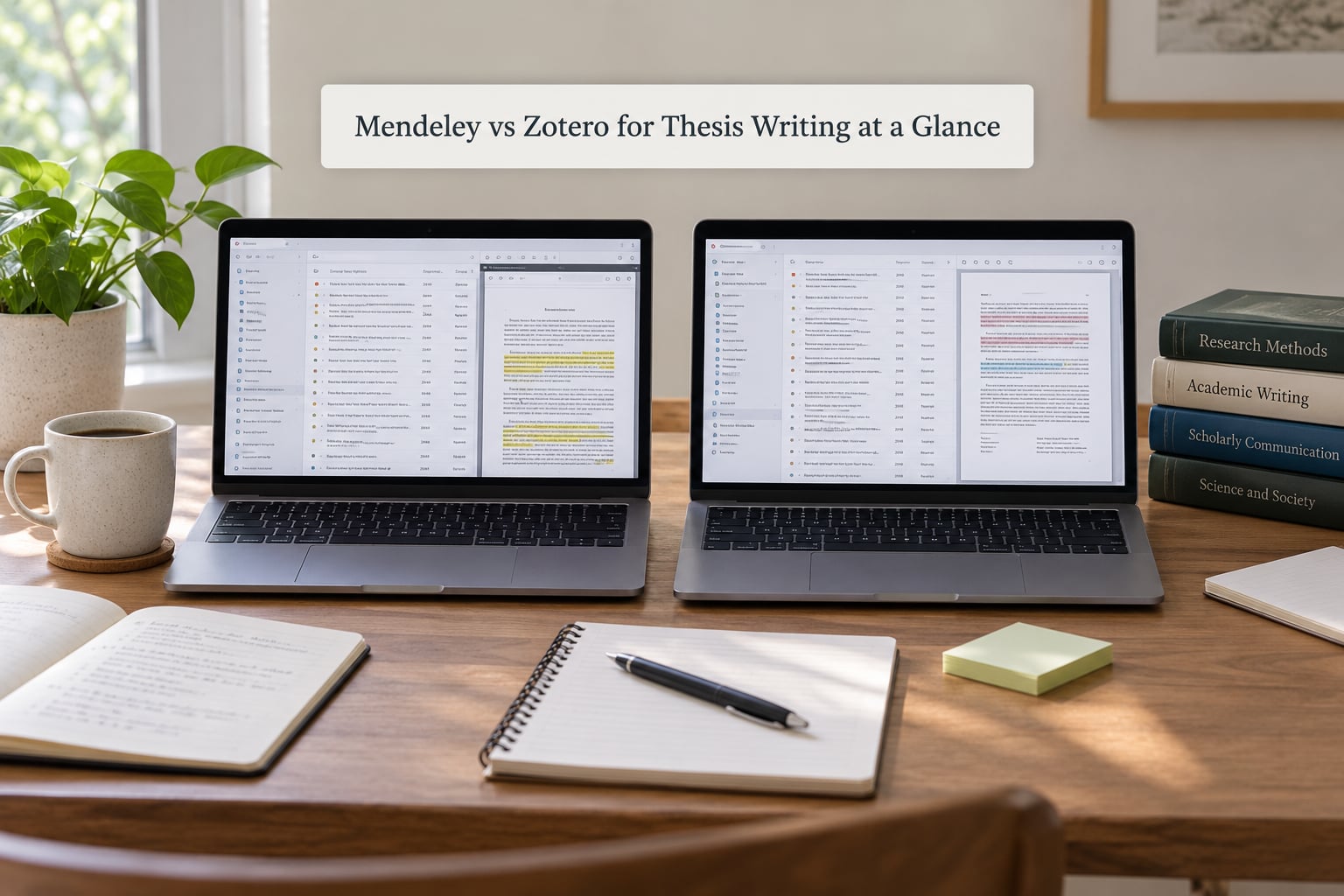
The table below covers every criterion that changes how you write. Storage numbers matter more than most people expect: Zotero gives you 300MB of free file storage and Mendeley gives you 2GB, but neither number describes your whole library once you count PDFs.
| Criterion | Mendeley | Zotero |
|---|---|---|
| Getting sources in | Browser extension plus Mendeley Web Importer, which pulls references from database search results in bulk | Browser Connector with per-site translators, plus identifier lookup by DOI, ISBN, PMID or arXiv ID |
| Reference management | Folder model with tags; duplicates merge by clicking | Collections, saved searches, tags and related items; duplicate merge built into the item pane |
| PDF reading and annotation | Built-in reader with highlights and notes; Notebook feature for cross-document synthesis | Built-in reader with highlights, ink and image annotations stored as structured text |
| Citation styles | Thousands of CSL styles; visual editor is limited compared with Zotero’s | Thousands of CSL styles plus a visual CSL editor for university-specific tweaks |
| Pricing | Free desktop app and reference manager; PDF storage and institutional features come with a university subscription | Completely free, including the desktop app, 300MB of storage and every core feature; WebDAV adds capacity at your own provider’s cost |
| Free file storage | 2GB online storage | 300MB online storage, extendable with WebDAV or a linked drive |
| Collaboration | Group libraries with free-tier caps on the number of groups and members | Unlimited groups and members, with per-member read and write permissions |
| Desktop and mobile | Desktop, web and tablet apps; no phone app since the mobile apps were withdrawn | Desktop, web, iOS and Android apps that pair with the same library |
| Offline use | Desktop library works offline; the reference manager relies on account-linked sync | Fully local SQLite database; everything works with the network cable unplugged |
| Writing environments | Microsoft Word; LibreOffice support is limited, Google Docs support is partial | Microsoft Word, LibreOffice, Google Docs and full LaTeX support |
| Privacy and ownership | Commercial product from a large publisher; account and institutional links | Open source, run by a non-profit corporation |
| Export formats | RIS, BibTeX, EndNote XML and CSL JSON | RIS, BibTeX, CSL JSON, Zotero RDF and Better BibTeX |
| Learning curve | Gentle. The interface does less, so there is less to learn | Steeper. Plugins add power but add decisions |
Two rows carry most of the weight. Storage and ownership decide what happens in year four, when your library is large and your enrollment is not guaranteed.
Citation Management and Writing Workflow
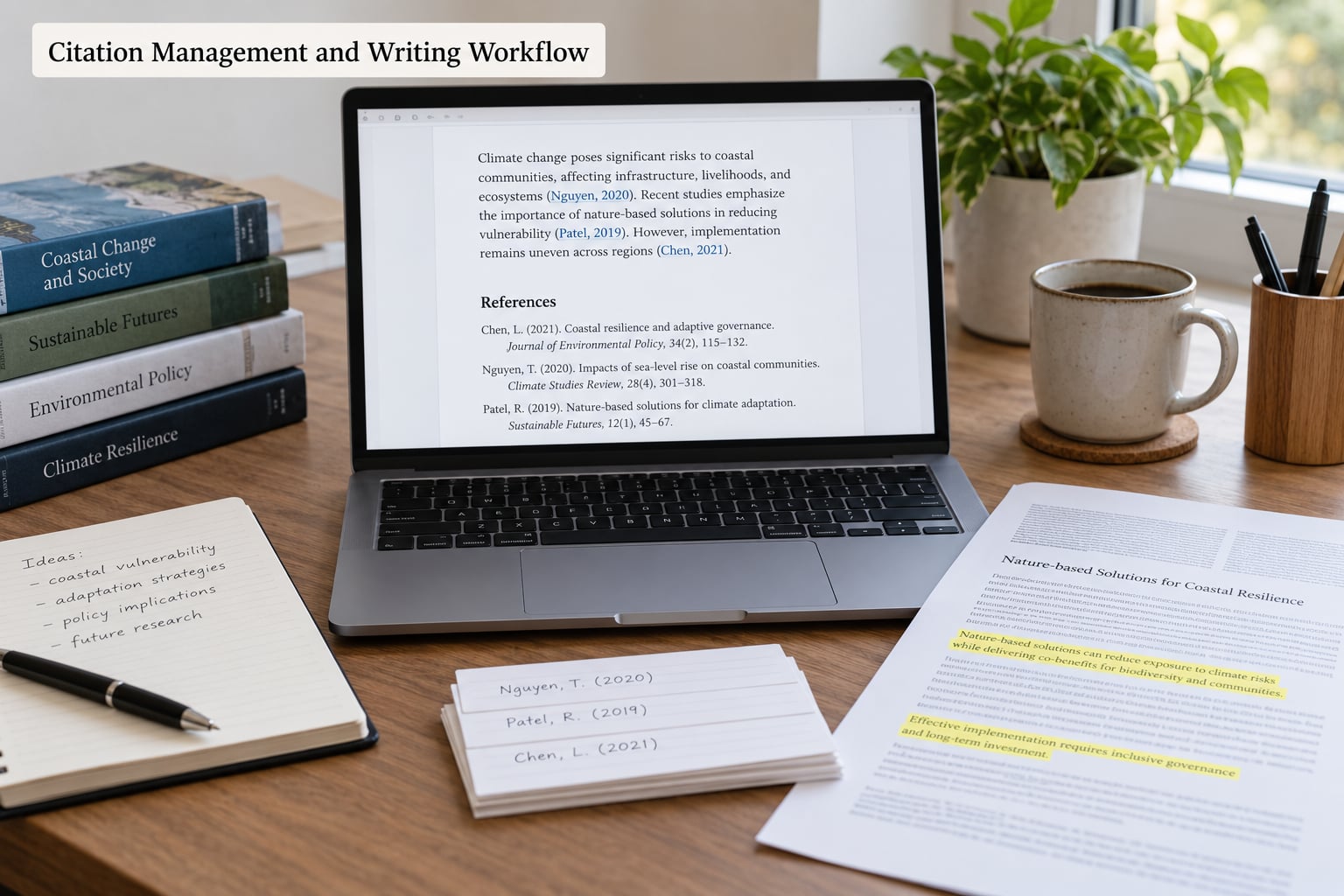
Both tools collect sources the same way at the start: you click the browser extension on a database record and the reference plus metadata land in your library. The difference shows up in how much cleanup follows.
Importing and metadata quality
Mendeley’s importer is the quicker route out of a database export. Search a list of results, select them, and the records arrive with authors, year, journal and volume already filled in. Zotero’s Connector does the same job one page at a time, though identifier lookup lets you paste a DOI and skip the page entirely.
Neither tool fixes bad source data. A book chapter typed into a database by a cataloger forty years ago will still carry the wrong author order when it arrives in your library. The difference is how easy it is to notice: Zotero’s item pane shows every field in one column, while Mendeley spreads the same details across tabs.
Duplicates and long libraries
A literature review of any size produces duplicates, because the same paper arrives from a database export, a Google Scholar result and a PDF you downloaded by hand. Zotero merges duplicates inside the item pane, and the merge keeps the richest set of fields plus your notes. In Mendeley, duplicates sit side by side until you select them and merge.
For a 300-reference thesis, the real performance test is refreshing citations inside Word. Both tools slow down in documents with hundreds of fields, and both respond to the same fix: write each chapter in its own file and merge only at the end. Students who keep a single 110,000-word document report multi-second pauses on every edit, and the pauses get longer as the reference list grows.
Switching citation styles
This is where the two tools behave almost identically. Both store your references separately from their formatting and re-render every citation and the bibliography when you switch style, so moving from APA to Chicago is a dropdown choice rather than a night of editing. The difference is what happens when your university asks for a variant nobody has published.
Footnotes and missing metadata
Footnotes in both tools work best when you hand-type the citation and paste the formatted reference at the end, rather than fighting the plugin inside a footnote field. When a record arrives with no author or a garbled title, Zotero gives you a clean form to repair; Mendeley gives you the same data in a flatter layout.
LaTeX users
If your thesis is written in LaTeX, Zotero wins clearly. The Better BibTeX plugin keeps a .bib file in your project folder in sync with the library and generates stable citation keys, which is what you need when a chapter cites 40 papers. Mendeley can export BibTeX, but the file is a snapshot, so keys change every time you re-export.
PDF Reading and Annotation
Both programs open PDFs without leaving the library, and both let you highlight, underline and add sticky notes. If your literature review is mostly reading, this is the part of the workflow you will touch most.
Built-in readers
Mendeley’s reader feels tidier on first open. The window is simple, the highlight colours are obvious, and side-by-side reading works well when you are comparing two papers. Zotero’s reader has caught up and offers more control: you can choose highlight colours, adjust text size, and search across every PDF in the library from the same panel.
Cross-document synthesis
Zotero stores highlights as structured text tied to the item, so you can pull all your highlights from a chapter into one note, filter them by tag, or feed them into a note app through the API. Mendeley’s Notebook feature does something similar from the reading side, letting you gather notes from several PDFs into a single document, and students doing a systematic review often value that view.
Organizing a large reading pile
Here Zotero’s saved searches earn their place. You can build a collection of everything tagged with a theme, tagged with a method, or added since your last supervision meeting, and it updates itself as new items arrive. Mendeley folders need manual sorting, so a reading pile of 200 papers becomes a filing project rather than a query.
The portability catch
Annotations are worth planning for. Zotero’s live, structured highlights can be exported or piped elsewhere. Mendeley annotations that live only in its cloud reader are harder to extract, and if your institutional access ends you may not be able to read them at all. If annotations are part of your evidence trail, keep your own copies of anything you quote.
Zotero Advantages for Thesis Writing
Zotero is the better fit when your research is unusual in some way, when you share work with others, or when you expect to still care about this library in five years.
- Your data stays on your machine. The library is a SQLite database in your home folder, so you can copy it, back it up, or open it on another machine with no account involved.
- Nothing is capped by the vendor. Collections, saved searches, attachments and tags have no practical ceiling, so a 400-paper review behaves like a 40-paper one.
- Plugins add capability without a subscription. Better BibTeX for LaTeX, Zotero PDF Translate for translating sources, and connectors for note apps and spreadsheets all come from the community.
- The visual CSL editor lets you adjust a style without writing code. When your department wants a slightly different reference layout, you can change the style file in the editor rather than searching for a version that does not exist.
- Unlimited group libraries. You can create as many groups as you need and add any number of members, with read-only access for supervisors who should see your citations but not edit them.
- Phone apps. The iOS and Android apps pair with the desktop library, so you can pull up a citation, add a note, or attach a photo of a printed page from the library.
- Every writing environment is supported. Word, LibreOffice, Google Docs and LaTeX all have maintained integration, and Google Docs support is full rather than partial.
Where Zotero makes you do more work
The plugin ecosystem is the price of that freedom. You will spend an evening reading documentation before your first sync, and a WebDAV setup takes about twenty minutes of careful configuration. Zotero 7 improved the interface, with a redesigned item pane, a dark theme and density options, but anyone who built muscle memory in the older versions needs a few days to stop looking in the wrong place.
Mendeley Advantages for Thesis Writing
Mendeley wins on simplicity, on the reading experience, and on how little it asks of you before you start writing.
- Reading and referencing in one place. The PDF reader, notes and citation tools sit in a single program with a consistent layout, which reduces the number of windows open during a reading session.
- A faster path from a database search to your library. The Mendeley Web Importer turns a list of search results into a folder in a few clicks, which is efficient when you are pulling twenty papers at once.
- More free online storage. The 2GB allowance covers a modest PDF collection without any setup, whereas Zotero’s 300MB runs out quickly and pushes you toward WebDAV.
- Automatic document organization. Papers are filed for you by default, so a new student can produce a tidy library on day one without learning a filing system first.
- Notebook for literature review synthesis. Grouping notes from many papers into a single annotated notebook is genuinely useful when you are building a thematic review chapter.
- A conventional interface. Menus are where most people expect them, which matters if you learned referencing in a library workshop twenty years ago and do not want to relearn everything.
The version problem to know about
Mendeley went through a disruptive transition when the original Reference Manager gave way to Mendeley Desktop and then to Mendeley Cite. Documents written with the older plugin do not open correctly in the newer one, so citations can appear as plain text or as unreadable fields. Students who inherited a supervisor’s document or a co-author’s file sometimes hit this without any warning, and converting the document usually means re-inserting each citation.
Check which version your department licenses before you commit, and convert any existing documents to plain text on a final copy before sharing them.
Collaboration, Cloud Storage, and Sync
Storage and collaboration are the same problem in a thesis: the moment somebody else needs your references, your private library becomes shared infrastructure.
Group libraries
Zotero group libraries have no cap on the number of groups or members on the free tier, and each person can be given read-only access. That is the setup most supervisors want, since they can read your citations and comment without accidentally rewriting fields. Mendeley group libraries work in a similar way but carry limits on free accounts, which matters for a large multi-author paper or a research group with rotating students.
Storage limits in practice
Zotero gives you 300MB of attachment storage, which holds roughly 40 to 60 PDFs depending on whether you save the published version or the publisher’s high-resolution file. Mendeley’s 2GB covers a much larger pile with no configuration. Both are surpassed by a normal literature review, so plan for that from the start rather than discovering it at month fourteen.
Zotero’s answer is WebDAV. Point the app at a Nextcloud, ownCloud or other WebDAV account and attachments sync outside Zotero’s own storage, so the cap stops mattering. Services that behave well with this setup include Nextcloud on a university account, self-hosted storage, and some business cloud providers; a plain consumer folder on a commercial drive account often fails to connect reliably.
Sync failures and database locking
Mendeley’s sync runs through its own servers, so a network problem or a service incident stops you working until it clears. Zotero’s library lives on your disk, so sync is a copy operation rather than a dependency; if it fails, your local copy still opens. The common Zotero complaint is a database locked error when the same library is open in two places at once, which happens if you sync a folder to a cloud drive while the app is running.
Set automatic file backup in Zotero’s preferences so the app keeps a rolling copy of your database, and back up dated copies of your thesis document separately.
Citation Styles, Word Processing, and Compatibility
This is the compatibility layer that decides whether your writing day goes smoothly.
Citation styles
Both tools use CSL styles, so the built-in catalogue is effectively the same: APA, MLA, Chicago, Harvard, IEEE and Vancouver are all present in each, plus thousands contributed by universities and journals. The catalogue is not the differentiator. Customization is. Zotero’s visual CSL editor opens a style as a form and lets you change indentation, author name order, date position and title capitalisation without touching XML. Mendeley can install styles but offers a far smaller editing surface, so a department-specific variation usually means either finding a close match or hand-editing a style file.
Both tools suffer the same weakness in APA: publisher-added line breaks and spacing overrides can break a reference list that the software formatted perfectly. Fix the reference list in Word manually at the end, and leave the automatic formatting alone until then.
Word processors
Microsoft Word is the common ground and both tools work well, provided you install the plugin on the machine where you actually write and restart Word after installing. Word documents that switch between Word for Mac and Word for Windows can break plugins, so decide which machine is your writing machine.
LibreOffice and Google Docs split the field. Zotero has maintained LibreOffice integration and full Google Docs support, including citation insertion and bibliography refresh. Mendeley’s LibreOffice support is limited, and its Google Docs support covers inserting citations without the full editing experience. If your department issues a Chromebook or runs a Linux workstation, this difference decides the question before features do.
Browser connector behaviour
Both extensions need to recognise database pages behind institutional proxy logins. Where the proxy inserts a session prefix into the address, the connector may capture a partial record, so check the imported metadata rather than trusting it.
Cost, Privacy, and Long-Term Reliability
Both tools are free for the core job, so cost is not about the software. It is about storage, time, and what happens to your citations when circumstances change.
Ownership and account dependence
Zotero is open source and published by a non-profit corporation devoted to digital scholarship. Its development is community-driven and its storage formats are open, which is why a Zotero library written today should still be readable in a decade. Mendeley is a commercial product from a large academic publisher, backed by an institution’s subscription in most universities, and its data lives on company servers tied to your account.
That distinction matters at graduation. Institutional Mendeley access is tied to enrollment, and when it lapses, online files can become hard to reach at exactly the moment you need them for a defence, a postdoc application, or a paper you are submitting after you leave.
Export and backup
Neither tool is a backup. Export your library regularly as RIS, BibTeX or CSL JSON, keep a dated copy of your thesis document, and store both in more than one place. RIS is the most portable format and the safest choice if you ever move between tools.
Habits that protect your citations
Corrupted citation fields almost always come from a short list of preventable actions. Undo most of the damage with these habits:
- Never hand-edit the text inside a citation field; change it through the plugin dialog.
- Turn off track changes before a large citation refresh, and avoid pasting text that contains citation fields into your document.
- Merge duplicates on a schedule, monthly or at the end of each chapter, so one paper never appears twice in the reference list.
- Test your university’s style in chapter one, before you have 200 references to reformat.
- Write each chapter in a separate document and merge at the end; both tools handle small documents far better.
- Convert citations to plain text on a final copy before sending it to a supervisor or co-author, so their edits cannot corrupt your live file.
- Keep a dated export of library and document together, so restoring a version is a two-minute job.
Which Should You Choose?
Most comparisons of mendeley vs zotero for thesis writing end with someone asking for a single name to commit to. There is rarely one, because the two tools diverge on setup and ownership rather than on referencing quality. Pick Zotero when your work is shared, portable, written outside Word, or expected to last longer than your enrollment. Pick Mendeley when you want the shortest path from reading PDFs to a finished chapter and nothing more.
Zotero fits these situations
- You write in LaTeX, use Overleaf, or need Better BibTeX.
- Your department uses LibreOffice or you work in Google Docs.
- You share a library with co-authors or a supervisor across a multi-year project.
- You want your library to survive graduation, a job change, or a decade of inattention.
- You read across disciplines and hit unusual source types that need plugins.
Mendeley fits these situations
- You are starting from zero and want a working library today with no configuration.
- Your PDF reading is the bulk of the work and you prefer the tidier reader.
- Your institution provides generous institutional storage and licenses the version you need.
- You want Notebook-style cross-document synthesis for a literature review chapter.
- You have no interest in plugins, sync services, or file-ownership philosophy.
A 30-minute test before you commit
Run this with ten of your real thesis sources, in a copy of your thesis document. It surfaces more than any feature list.
- Import five varied sources in ten minutes: a journal article, a book chapter, a webpage, a report with a DOI, and a PDF from your university’s library proxy.
- Check every imported field. Author order, year, title capitalisation, page numbers. Repair anything wrong now, while the source is in front of you.
- Insert five citations into a copy of chapter one and switch from your required style to another, then back. This is where plugin quality shows.
- Highlight passages in two PDFs and try to pull them back out as text. If your literature review depends on annotated quotes, this step is the one that matters.
- Open the document on a second machine and confirm every citation still resolves. Set up your sync or file storage in these 30 minutes if it does not.
- Export the library as RIS and re-import it. If a round trip loses data, fix that before you have 300 references.
When either one is the wrong choice
Check whether your university provides EndNote or a similar licensed manager free of charge, because that changes the cost argument entirely. If you already have a working library in one tool with two years of annotations, the migration cost may exceed the benefit, and finishing with the familiar tool is a legitimate choice. Whichever you pick, keep the export habit.
Frequently Asked Questions
Is Zotero or Mendeley better for a thesis?
Zotero is usually better for a thesis because your library stays on your own computer, the data formats stay open, and it supports Word, LibreOffice, Google Docs and LaTeX. Mendeley suits readers who want an integrated PDF reader and minimal setup. If you collaborate, write outside Word, or want your citations readable after graduation, choose Zotero.
Can I migrate my references from Mendeley to Zotero?
Yes, and it is more straightforward than most people expect. Export your Mendeley library as RIS or CSL JSON, then import that file into Zotero. Work on your largest folder first, in batches under about 100 items, and check that attachments came across too. Mendeley annotations that lived only in its cloud reader may not transfer, so keep copies of anything you quote directly.
Does Zotero work offline for thesis writing?
Yes. Zotero stores your library as a SQLite database on your computer, so searching, reading PDFs, inserting citations in Word and generating bibliographies all work with no internet connection. Syncing and online lookup by DOI need a connection. Set up automatic file backup in the preferences, since the local database is the only copy unless you configure a sync or WebDAV target.
Which citation manager is better for collaborating with co-authors?
Zotero is the stronger option here. Group libraries are unlimited in number and membership, and each person can be given read-only access, which suits supervisors who want to read citations without editing fields. Mendeley group libraries work but carry limits on free accounts. Whichever you choose, keep one owner per chapter and convert citations to plain text on copies you send out.
Is Mendeley’s PDF reader better than Zotero’s for research?
Both readers handle highlighting, underlining and notes well, and Mendeley’s is simpler to learn. Zotero stores highlights as structured text, so you can pull annotations from a whole chapter into one note, filter them by tag, or search across every PDF in the library. For a close-reading literature review, that search and export ability usually matters more than the tidier window.
Can I use Zotero or Mendeley with Microsoft Word and Google Docs?
Both work with Microsoft Word once you install the plugin on the machine where you write, then restart Word. In Google Docs, Zotero has full support for inserting citations and refreshing bibliographies, while Mendeley’s support covers citation insertion without the full editing experience. Mendeley’s LibreOffice integration is also limited, which can decide the question if your department does not use Word.
Conclusion
The mendeley vs zotero for thesis writing verdict comes down to ownership and setup rather than citation quality. Zotero wins when the work is shared, portable, written outside Word, or expected to outlast your enrollment. Mendeley wins when you want the shortest route from reading PDFs to a finished chapter and no configuration in between. Storage limits and ownership matter more than any single feature, because they decide what happens in year four.
Start by testing both with ten of your own sources and a copy of your first chapter. Check your university’s citation style requirements before either tool, since a style nobody publishes changes which one serves you better. Whichever you pick, export your library monthly and keep a dated copy of your document.